 CartVisual
DIAGNOSTIC GUIDE / Assets & tasks
Do Content Credentials prove my AI product photo is accurate or independently approved?
Content Credentials can describe how a file was created or edited; they do not by themselves certify the photographed product’s accuracy or independent approval. Inspect the credential’s actual issuer and recorded actions, then review product identity against real references. A provenance label and a factual product check answer different questions and should remain separate in campaign copy.
Read what the credential actually records
Adobe’s overview describes tamper-evident metadata that can provide context about creation and editing. Its Firefly examples include issuer, date, tools, and actions. Read those fields rather than treating the badge as a general quality mark. A record saying generated describes a creative action, not an inspection of a physical product.
Record the exact file, inspecting tool/version, validation status and trust information the tool actually reports, together with visible issuer and action fields. A displayed badge alone is not a completed validation record. C2PA explains that a complete ingredient chain cannot be verified without access to its underlying data. Mark unavailable history as unavailable instead of inferring a complete chain or an independent product inspection. Missing or stripped metadata alone also does not establish that a real product photo is false; retain the separate SKU and rights checks.
Run an independent product-fidelity review
Compare the image with real product references for shape, packaging text, color, included components, and anything the scene implies about use. A correctly documented generated image can still contain an extra switch or a wrong cap. Conversely, a real photograph without this credential can still show an accurate product.
Separate the provenance record from the acceptance checklist. One states what is known about the creative chain; the other states what the merchant verified about the depicted offer. Do not use phrases such as independently certified or authentic product proof unless an actual relevant authority and scope support them.
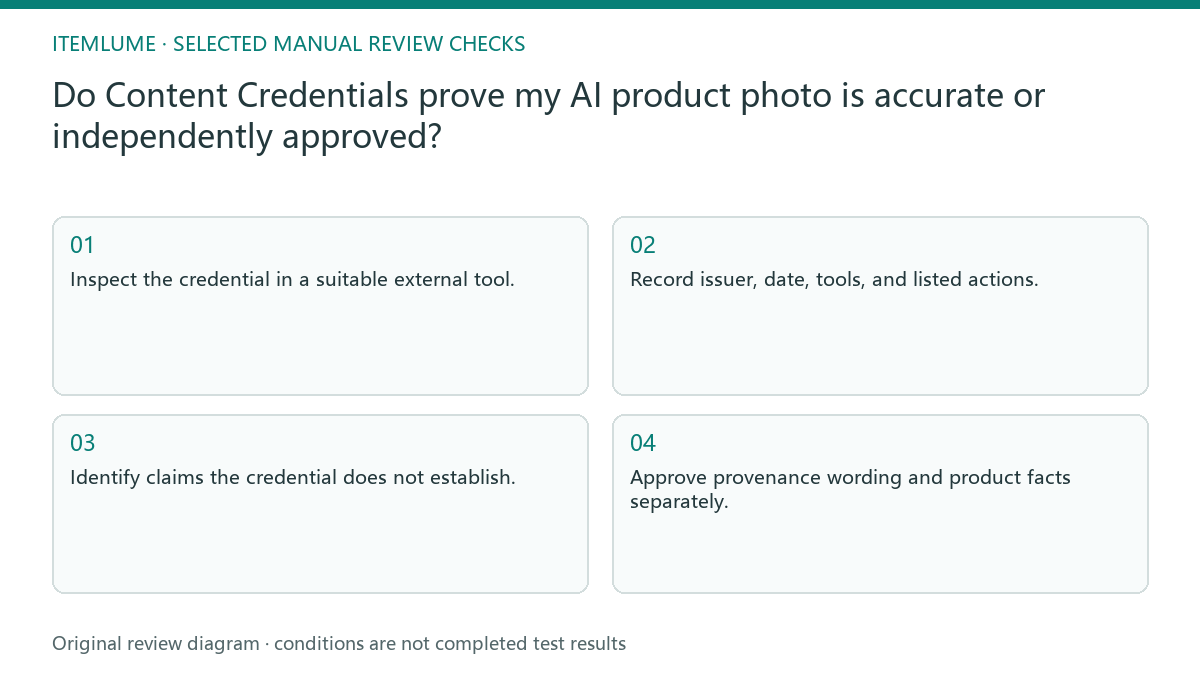
- Inspect the credential in a suitable external tool.
- Record issuer, date, tools, and listed actions.
- Identify claims the credential does not establish.
- Compare the product with real SKU references.
- Approve provenance wording and product facts separately.
A fictional serum-image review
Fictional exercise: a serum campaign image has a credential recording an AI creation action. The picture also contains a silver cap while the real SKU uses a white cap. The creative history can be correctly recorded even though the product representation fails. This is an illustrative example, not a tested file.
The reviewer rejects the product image and keeps the provenance observation separate. If a corrected candidate is later supplied, it needs another comparison against the real reference. The credential alone cannot close the cap mismatch, and the exercise does not claim that a particular tool supplies independent approval.
Describe the asset without borrowing authority
If discussing provenance publicly, state exactly what the inspected credential records and link to the relevant explanation. Do not attach an authority’s name to a product-accuracy claim it did not make. An inspection page is a review interface, not proof that the image was indexed or recommended by an AI assistant.
This guide does not establish that every CartVisual export includes Content Credentials or survives all downstream transformations. Verify the actual file and delivery route. Stop certification-style marketing when the issuer, scope, or evidence is unknown; use a plain description of the documented creation history instead.
Provenance versus product evidence
| Question | Relevant evidence | What it does not prove |
|---|---|---|
| Which tool created the file? | Recorded tool and issuer | SKU accuracy |
| What editing is recorded? | Credential action history | Independent endorsement |
| Does the cap match? | Real product reference comparison | Answered by provenance alone |
| Was this file indexed? | Actual search/index evidence | Proved by credential inspection |
Use this matrix as a manual review record and add your own real evidence. Its conditions are not completed test results.
Sources and further reading
Recorded source-review dates are listed individually below. An undated source does not inherit the article’s publication date. Software and platform rules can change; check the current original before acting.
- CartVisual: editorial policy and product scope · Review date not separately recorded
- Adobe Firefly: Content Credentials overview · Reviewed
- C2PA FAQ · Reviewed
Frequently asked questions
Does the badge prove the product is real?
No. It can describe file provenance while the depicted product still contains inaccuracies.
Does it guarantee commercial rights?
This credential alone does not establish every permission or legal review needed for the asset.
Can I say third-party approved?
Only if an actual relevant third-party approval exists and its scope supports that exact claim. A provenance issuer is not automatically such an approver.
PREPARE ASSETS FOR YOUR NEXT STEP
Create supporting product assets in CartVisual.
Create new product creative assets in the workspace, then continue in your chosen tools. Third-party software procedures described in this guide take place in those applications; this workspace link does not imply an integration. Check current capabilities, account access and credit quotes.
Explore asset creation tools Check pricing and credits