 CartVisual
Assets & tasks / PRACTICAL ANSWER
My sitemap has more pages than the indexing report. Which count is current?
The counts describe different processes and dates. A current sitemap inventory is not a current indexed-page count.
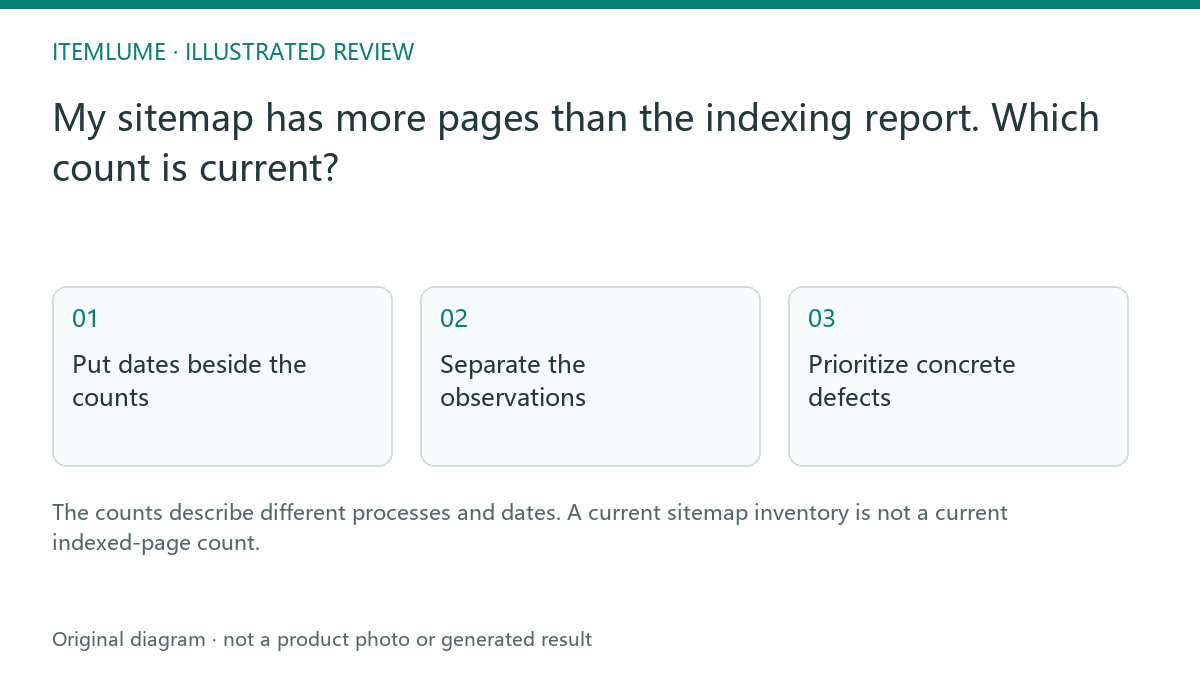
Put dates beside the counts
Fictional release timeline, not a report from a real site:
| Observation time | Recorded object | What it cannot show |
|---|---|---|
| Thursday | Page indexing report’s displayed date and selected property/filter. | Monday’s later release state. |
| Saturday | Sitemaps report’s Last read and processing status for that sitemap URL. | Whether later additions were parsed or indexed. |
| Monday | Twenty new public guides actually released; retain their URL list. | That Google already discovered or indexed all twenty. |
| Tuesday check | Live sitemap contains the new intended URLs; record fetch time and any sitemap-index children. | The current indexed count or every child’s last Google processing time. |
Compare the same intended URL population: property, sitemap/child scope, canonical policy and report filters matter. Do not subtract an older property-wide indexed count from today’s sitemap total and label the difference “new pages rejected.” Those counts can describe different dates and URL sets.
Google’s Sitemaps report defines Last read as its fetch time and Success as successful loading/processing. Parsed URLs are not guaranteed to be crawled or indexed. Page indexing is a different report; an individual URL still needs its own evidence.
Separate the observations
| Observation | What it establishes | What remains unknown |
|---|---|---|
| Live sitemap | Currently listed public URLs | Whether Google processed every new URL |
| Last read | Last time Google fetched the sitemap | Whether processing succeeded; complete index inclusion |
| Status: Success | Latest reported loading and processing completed without errors | Actual crawling or index inclusion of each listed page |
| Index report | Reported known/indexed status at its date | Newer batch status |
| URL inspection | Evidence for a specific URL/version | Status of all other URLs |
Inspect the actual affected URL when needed. Do not apply one inspected page’s result to every new article.
A sitemap can have a Last read timestamp and still report parsing errors. Record its status separately and review the reported errors; a fetch timestamp alone does not approve the sitemap contents or prove any listed page is indexed.
Prioritize concrete defects
Check whether the new pages return successful public responses, have appropriate canonical URLs and are linked from useful public hubs. Fix an observed block or broken destination. “Discovered, not indexed” is not itself proof of a broken model feature or a robots error. Read the specific state and dates. For a sampled URL distinguish stored inspection from a live test using the indexing-evidence diagnostic; a live fetch cannot represent the whole batch’s index state.
Do not remove intentional private-route protections merely to increase an index count. Expected excluded pages and relevant public pages have different purposes.
Follow up without repeated blind submission
Keep the sitemap accurate and allow the actual reports to update. Use individual inspection for meaningful examples rather than repeatedly submitting the same unchanged inventory. Monitor indexed status and search performance separately. A successful notification or sitemap read is not proof of ranking or traffic growth. Record the next evidence checkpoint in your review notes without inventing a completed result.
Sources and further reading
Recorded source-review dates are listed individually below. An undated source does not inherit the article’s publication date. Software and platform rules can change; check the current original before acting.
- CartVisual: editorial scope and evidence · Review date not separately recorded
- Google: Page indexing report · Reviewed
- Google: Sitemaps report · Reviewed
Frequently asked questions
Does sitemap success mean all URLs are indexed?
No. It reports processing, not guaranteed inclusion.
Can an older report assess a newer batch?
Its date limits that conclusion.
Should private pages be unblocked to improve counts?
No. Keep the intended access boundary.
PREPARE ASSETS FOR YOUR NEXT STEP
Create supporting product assets in CartVisual.
Create new product creative assets in the workspace, then continue in your chosen tools. Third-party software procedures described in this guide take place in those applications; this workspace link does not imply an integration. Check current capabilities, account access and credit quotes.
Explore asset creation tools Check pricing and credits