 CartVisual
PRACTICAL ANSWER / Assets & tasks
Why does an AI answer link to my guide but analytics show no AI referrer?
Because these are different events. A public AI answer may display your URL, while the reader opens it through an in-app browser that removes or changes the referrer. Record the visible citation, landing URL, timestamp and analytics source separately. Treat an unclassified visit as unknown, not confirmed AI traffic.
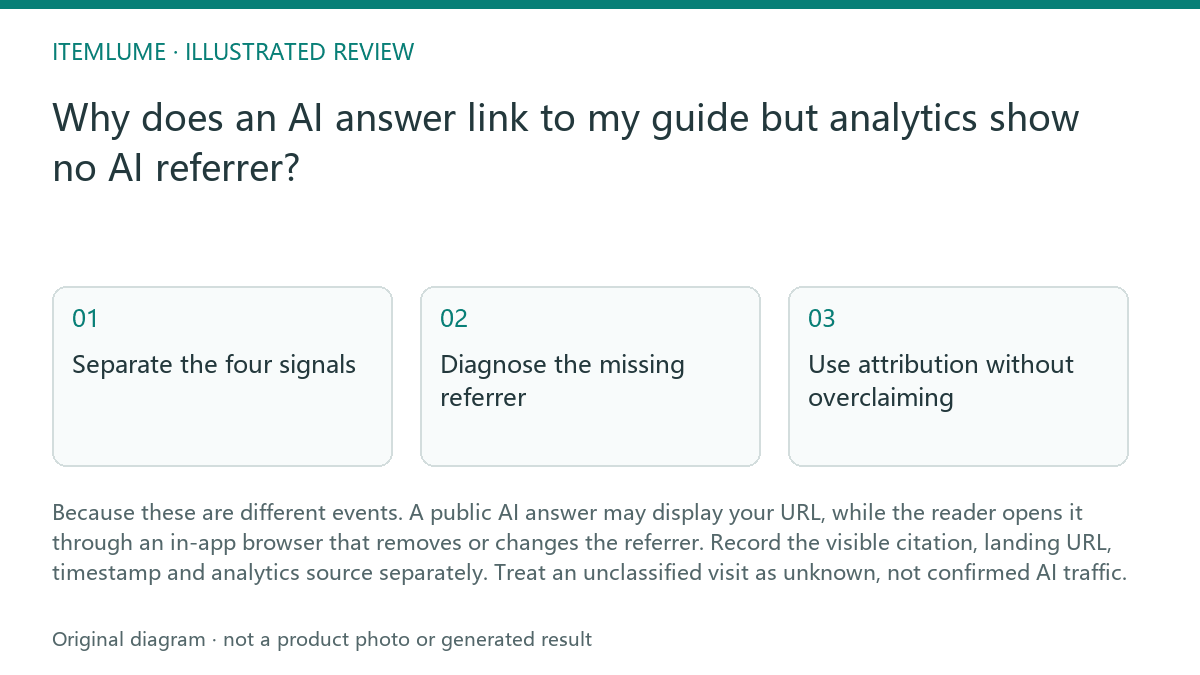
Separate the four signals
A citation shows that a guide was linked or named in an AI answer. It does not prove that anyone clicked. A click shows navigation toward the guide, but analytics may still receive no referrer when the answer opens inside an app, passes through a redirect, or applies a privacy policy.
Keep controlled observations separate from aggregate analytics. In a manual test, record the answer surface, visible link, time, landing path and any allowed campaign marker. Use only the fields your analytics actually supplies. CartVisual’s current first-party measurement aggregates daily page views by path and source bucket; it does not expose a visitor-level session or device record for matching this test. A direct-or-private bucket does not identify an AI origin.
- Capture the answer page or record its visible link, answer surface and time.
- Open the link in the same app context and note redirects, landing URL and whether campaign parameters survive.
- Compare the visit timestamp and landing path with analytics source, referrer and device context.
- Classify the result as confirmed referral, observed citation only, possible unattributed visit, or unrelated traffic.
- Stop attributing the visit to AI when the time, path or answer context cannot be matched.
Diagnose the missing referrer
MDN documents that Referrer-Policy can omit or limit the Referer header. Inspect the observed link and any redirect before assigning a cause; an in-app context or a missing header alone does not establish which policy applied. Keep the captured answer link as citation evidence and treat a missing referrer as an attribution limitation, not proof of no click.
Next compare controlled observations rather than expecting one visit to explain the whole pattern. Open the same guide from the answer and from a normal browser, then compare landing paths and source fields. This is workflow advice, not a guarantee that any platform will expose AI referrals.
- Check the exact visible URL and every redirect destination.
- Compare an in-app opening with a normal-browser opening at a recorded time.
- Look for campaign parameters or other approved first-party markers.
- Review server or analytics records for the landing path and source value.
- Stop when the evidence only shows a citation; report citation and traffic as separate findings.
Use attribution without overclaiming
A useful report can state: the guide was observed in an AI answer, the answer exposed a link, and analytics recorded visits to the guide with no AI referrer. That wording preserves what was observed without turning a plausible explanation into a measured source.
Do not infer conversions, demand or unique people from citation visibility. Fictional monthly exercise with explicitly non-overlapping request buckets: the team observes two answer links, records six untagged page requests with no referrer and one additional request carrying a recognized campaign marker. Report those three observations separately. A marker can be copied or forwarded, so the tagged request is not by itself a verified AI-origin visitor. Unless the system deduplicates visitors and links events under an appropriate measurement design, do not rename requests as sessions or unique visitors.
- Label each record by evidence strength.
- Count visits only from analytics or server evidence.
- Keep citation observations in a separate register.
- Use campaign parameters only where your workflow can maintain them consistently.
- Stop the exercise when a claimed source cannot be reproduced or matched.
Review the guide and measurement setup
Before changing the guide, verify that the destination is accessible, the visible URL is stable, and the analytics landing path is recorded. A missing referrer is usually a measurement limitation or browser context issue, not proof that the guide failed or that the answer did not send a reader.
CartVisual workflow advice can help you plan and review a guide, but it does not provide store publishing or prove traffic attribution. Planning is free after sign-in; image and video media are quoted separately. Keep those product facts separate from your own analytics diagnosis.
- Review the destination response and canonical URL.
- Confirm the analytics property records the landing path.
- Repeat the observation in the relevant app context.
- Document what is known, unknown and only hypothesized.
- Stop reporting AI-sourced traffic unless the evidence meets your stated pass condition.
Topic-specific review
| Observation | Next check | Pass condition |
|---|---|---|
| AI answer visibly links to the guide | Record answer surface, URL and time | Citation is logged without claiming a click |
| A recorded request has no AI referrer | Compare only available fields; keep controlled test notes separate from anonymous aggregates | No AI source is assigned from the missing header alone |
| Redirect changes the URL | Follow each destination and inspect parameters | Final landing URL is recorded and source uncertainty is stated |
| A recognized campaign marker is present | Record the marker and path, distinguish copied links, and avoid overlapping counts | Report a tagged request or aggregate, without claiming a verified AI-origin unique visitor |
| Citation cannot be reproduced | Check archived observation and destination status | Report citation as unverified or omit it |
Sources and further reading
Recorded source-review dates are listed individually below. An undated source does not inherit the article’s publication date. Software and platform rules can change; check the current original before acting.
- CartVisual: editorial scope and evidence · Review date not separately recorded
- Google Search Central: AI search optimization · Review date not separately recorded
- Google Search Central: Article structured data · Review date not separately recorded
- MDN: Referrer-Policy · Reviewed
Frequently asked questions
Does no AI referrer mean the AI answer sent no visitor?
No. The analytics did not expose a usable AI referrer in the available record. A campaign marker can document a tagged request, but can be forwarded and is not independent proof of the visitor’s origin. Keep uncertain sources unattributed and do not infer unique people from page-view counts.
Should direct traffic be counted as AI traffic?
Not by default. Direct is a reporting state, not proof of an AI source.
Can a cited URL prove that the guide was clicked?
No. It proves an observed link or citation, not a completed visit.
PREPARE ASSETS FOR YOUR NEXT STEP
Create supporting product assets in CartVisual.
Create new product creative assets in the workspace, then continue in your chosen tools. Third-party software procedures described in this guide take place in those applications; this workspace link does not imply an integration. Check current capabilities, account access and credit quotes.
Explore asset creation tools Check pricing and credits