 CartVisual
DIAGNOSTIC GUIDE / Logo studio
Why did the fi or fl letters in my wordmark merge after choosing another font?
Merged fi or fl letters may be a font’s ligature rather than missing characters or a spacing error. Check the text content and compare the same font with OpenType substitutions enabled and disabled. Approve the actual wordmark appearance at its smallest intended size before converting text to outlines or adjusting individual letters.
Check the characters before moving them
Copy the exact approved brand spelling into a plain text note. Compare it with the live text object in the external design file. A ligature can replace two characters with one visual glyph without deleting either character. A generated raster image, by contrast, may simply contain malformed lettering.
Do not diagnose both situations with the same repair. If the text object is correct, inspect its font and OpenType settings. If only pixels exist, there is no ligature switch to recover. Arrange a faithful typeset wordmark in an external editor instead of claiming the image contains editable characters.
Compare substitutions with a fixed font and size
Microsoft’s OpenType specification describes ligature substitution as several glyphs being replaced by one glyph. That is different from proving the underlying brand spelling is wrong. For the comparison, keep the exact font file/version, variation axes, size and spacing fixed and record which supported feature was changed. Test a standard ligature separately from a discretionary ligature or contextual alternate; the application’s actual font-dependent controls determine what can be toggled. If the expected form does not change, inspect the selected glyph and text rather than forcing tracking to split it.
Review both a large proof and the actual small application, such as a shop avatar or label. A joined form can be elegant at large size yet hard to identify at small size. The decision concerns recognition of the real brand spelling, not a universal rule that ligatures are good or bad.
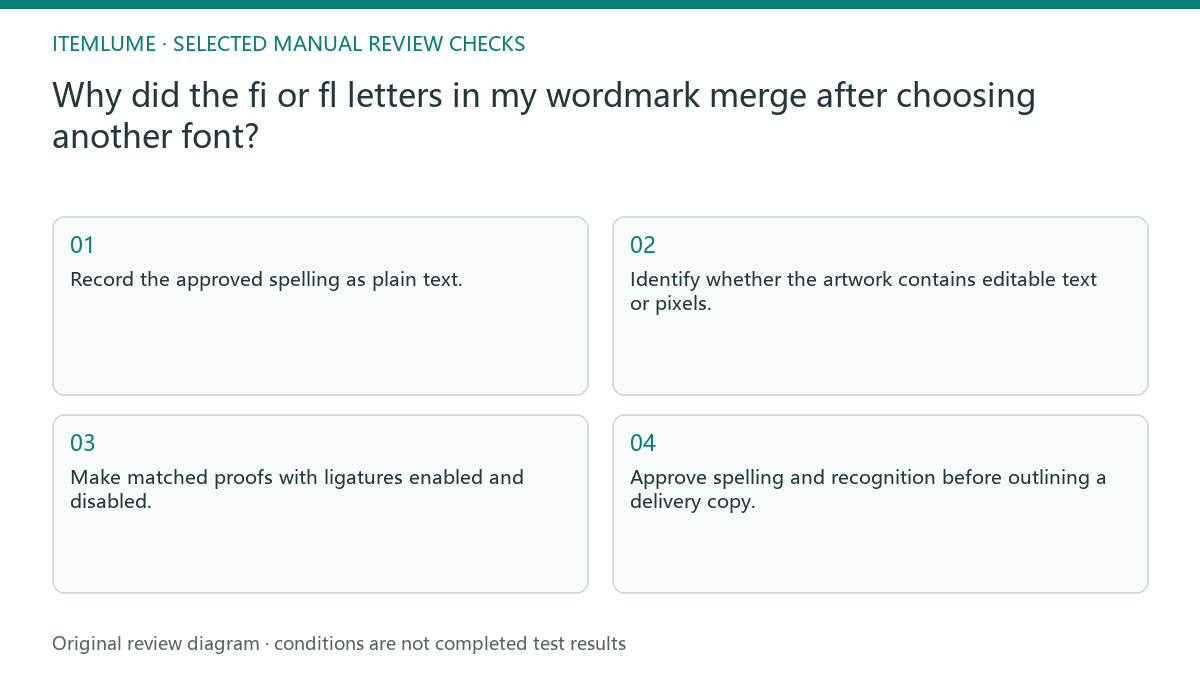
- Record the approved spelling as plain text.
- Identify whether the artwork contains editable text or pixels.
- Make matched proofs with ligatures enabled and disabled.
- Check contextual alternates separately if needed.
- Approve spelling and recognition before outlining a delivery copy.
A fictional fi wordmark exercise
Fictional exercise: a label named Filo uses a font that connects the f and i. The owner thinks the dot has vanished. The reviewer keeps the font constant, toggles the ligature, and creates two proofs with equal size and spacing. This is an illustrative comparison, not a measured audience study.
If the disconnected version restores the intended reading, record that setting in the approved design file. If both versions remain confusing, review another font as a separate decision. Stop manual spacing changes until the glyph choice is settled; otherwise the team may try to fix a substitution with awkward gaps.
Preserve the approved glyph choice in handoff
Keep a live-text master with the font file/name, version, actual variable-axis values where applicable, and selected substitutions. For an outlined exchange copy, compare the resulting contours with that master. Outlining can preserve appearance for a recipient, but it removes the ability to toggle the original text setting later.
CartVisual can explore logo concepts, while this typographic proof belongs to an external design workflow. Its raster output does not supply fonts, OpenType controls, or permission to distribute a font file. Stop delivery when the recipient cannot identify the brand reliably; attractive joining is not a substitute for the correct name.
Glyph substitution proof
| Observation | Controlled comparison | Approval record |
|---|---|---|
| fi appears joined | Same font; ligature on and off | Chosen glyph setting saved |
| Letter dot looks missing | Compare glyph at actual size | Brand reads as intended |
| Text spelling is wrong | Check live text before styling | Exact approved name used |
| Raster lettering is malformed | Compare externally typeset wordmark | Faithful lettering replaces pixels |
Use this matrix as a manual review record and add your own real evidence. Its conditions are not completed test results.
Sources and further reading
Recorded source-review dates are listed individually below. An undated source does not inherit the article’s publication date. Software and platform rules can change; check the current original before acting.
- CartVisual: editorial policy and product scope · Review date not separately recorded
- Adobe Illustrator: Ligatures and contextual alternates · Review date not separately recorded
- Microsoft OpenType: GSUB glyph substitution · Reviewed
Frequently asked questions
Is a ligature a typo?
Not automatically. It can be a designed glyph substitution, but the approved wordmark must still communicate the correct brand name.
Can tracking separate a ligature?
It may not control the internal shape of a substituted glyph. Review the substitution setting before altering spacing.
Does outlining provide font rights?
No. Appearance conversion is a delivery decision, not evidence of permission to use or distribute a typeface.
PREPARE ASSETS FOR YOUR NEXT STEP
Create supporting product assets in CartVisual.
Create new product creative assets in the workspace, then continue in your chosen tools. Third-party software procedures described in this guide take place in those applications; this workspace link does not imply an integration. Check current capabilities, account access and credit quotes.
Explore asset creation tools Check pricing and credits