 CartVisual
Image remix / PRACTICAL ANSWER
How do I describe made-to-order delivery without promising the shipping time as the total wait?
State the production and fulfillment expectation separately from shipping transit. Do not describe one as the complete arrival time.
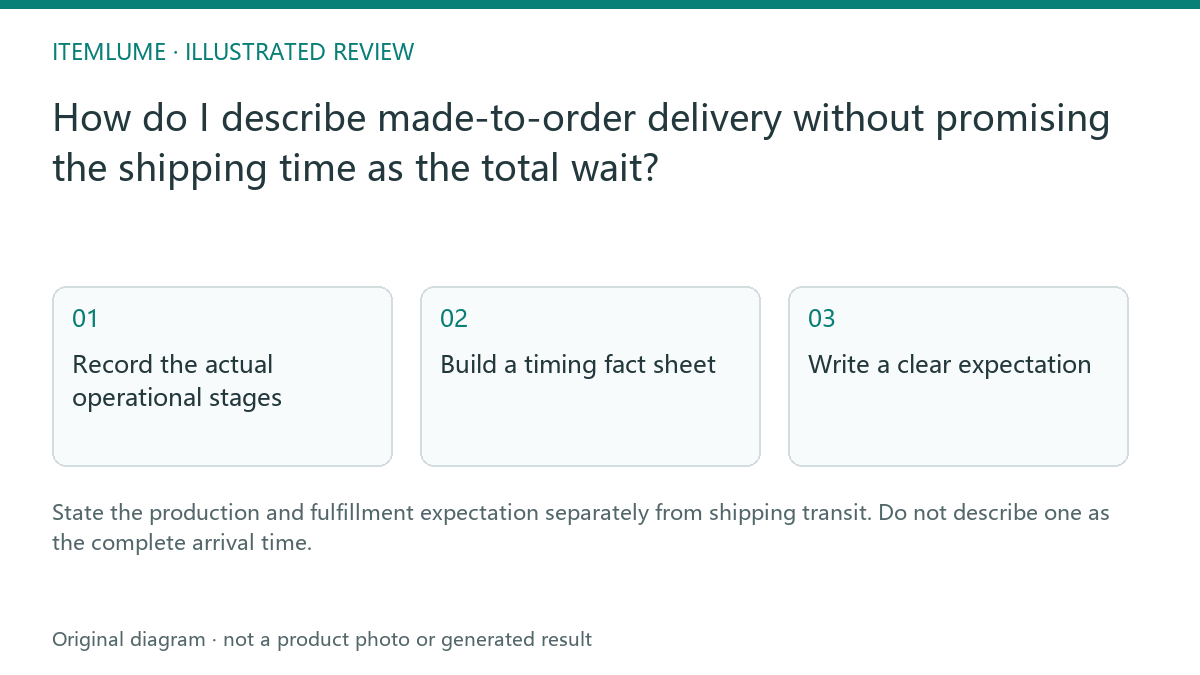
Record the actual operational stages
A fictional maker needs time to personalize a wooden sign before the carrier receives it. A draft describing “delivery in three days” borrowed only the carrier transit estimate. Write the maker’s verified production expectation, handoff conditions and applicable transit estimate as separate facts. Do not ask AI to infer them from a workshop photograph.
Shopify’s delivery-expectation guidance distinguishes fulfillment setup and transit inputs. Your actual store settings and operations determine the relevant promise; this guide does not calculate a guaranteed delivery date.
Build a timing fact sheet
| Stage | Illustrative record | Copy boundary |
|---|---|---|
| Production | Maker-confirmed expected window | Describe before dispatch |
| Customer proof | Approval required for personalization | Explain when progress depends on the customer |
| Transit | Destination/carrier-dependent estimate | Do not equate with total wait |
| Unknown | Destination not selected | Avoid a definite arrival date |
Sample fields are fictional. Use your real policy and current capacity. A busy season or delayed customer approval can change the appropriate statement.
Define each window’s start and end. A store’s fulfillment window may already include making and packing; do not add the same production period again. Record whether business days, weekends, holidays, order cutoffs and proof approval affect the actual policy. Missing destination or operational information prevents a definite arrival promise.
Write a clear expectation
Draft the explanation in the order the buyer experiences it: provide personalization details, approve the proof if required, wait for making/dispatch, then transit. Keep the wording consistent with checkout information. Avoid using “ships in” and “arrives in” interchangeably.
If the store displays destination-specific estimates, link to the current process rather than baking one generic date into every image. Do not promise an expedited production option unless operations actually support it.
| Fictional assumption only | What the number includes | Wording boundary |
|---|---|---|
| After approved proof: 5 business days to dispatch | Making and packing are already inside the 5 days | Do not add another 5-day making window |
| After carrier handoff: 2–3 business days transit | Only the named destination/service estimate | Do not advertise “arrives in 2–3 days” from order |
| Proof approval date unknown | The starting event has not occurred | Do not convert the windows into a fixed calendar date |
These are invented teaching values, not store settings or a delivery guarantee. Under the stated sequential assumptions the windows total 7–8 business days after proof approval, before any separately applicable policy exceptions. A real calendar arrival date needs the actual business-day rules, start event, destination and service. Do not silently add unverified buffers or promise an expedited option.
Review across the purchase journey
Compare the description, advertisement, checkout estimate and confirmation message. Resolve contradictory promises before publishing. CartVisual can help draft explanatory copy; it does not schedule the workshop, change checkout delivery settings or guarantee carrier performance. Keep an accountable owner for updating the wording when operational assumptions change.
Shopify documents manual dates based on configured fulfillment/transit inputs and automated dates based on eligible shipping performance. Verify what this store actually displays; do not label every estimate guaranteed. Record the description, checkout and confirmation wording together, with a responsible update owner. A destination replay and the underlying claim record help expose contradictions.
Sources and further reading
Recorded source-review dates are listed individually below. An undated source does not inherit the article’s publication date. Software and platform rules can change; check the current original before acting.
- CartVisual: editorial scope and evidence · Review date not separately recorded
- Shopify: fulfillment time and delivery dates · Reviewed
- Shopify: reviewing automatically generated descriptions · Review date not separately recorded
- Shopify: review generated descriptions · Reviewed
Frequently asked questions
Is transit time the total made-to-order wait?
No. Include the relevant production/fulfillment stages.
Can AI infer a delivery date from an image?
Use verified operational and destination information.
Does this guide configure Shopify delivery dates?
No. Apply actual settings separately in the store.
PREPARE ASSETS FOR YOUR NEXT STEP
Create supporting product assets in CartVisual.
Create new product creative assets in the workspace, then continue in your chosen tools. Third-party software procedures described in this guide take place in those applications; this workspace link does not imply an integration. Check current capabilities, account access and credit quotes.
Explore asset creation tools Check pricing and credits