 CartVisual
DIAGNOSTIC GUIDE / A+ product pages
Does a cat in a carrier photo establish which pets will fit?
A cat pictured inside a carrier establishes a scene, not a verified fit range. Use actual internal dimensions, opening geometry and the manufacturer’s documented use conditions. Keep a generated animal as an illustration and never substitute its apparent body size for measured product evidence. The buyer needs a stated measurement basis, not an inferred size from the animal’s pose.
A pictured animal is not measured fit evidence
External carrier size and usable internal space can differ. Animal posture, lens perspective and a generated body also change apparent fit. A weight label, if documented, does not alone establish every animal’s body dimensions or comfort. Do not turn an attractive scene into a safety or health guarantee.
Identify which measurements describe the outside shell and which describe the usable inside. Padding, shape and the entrance can reduce relevant space. A generated cat’s apparent size changes with pose and perspective, so it cannot establish those dimensions or a safe fit class.
Record usable space and opening geometry
Record the actual internal space and entrance measurements using the supplier’s stated basis. Separate structural dimensions from any documented use conditions. Ask the buyer to compare their own relevant measurements with the real guidance, and label a generated scene as illustrative rather than portraying a universal fit result.
Use the manufacturer’s stated measurement basis and documented conditions. Present internal dimensions and opening measurements with clear labels, then ask buyers to compare their relevant measurements through that guidance. Do not invent a weight-to-body-size rule from the scene.
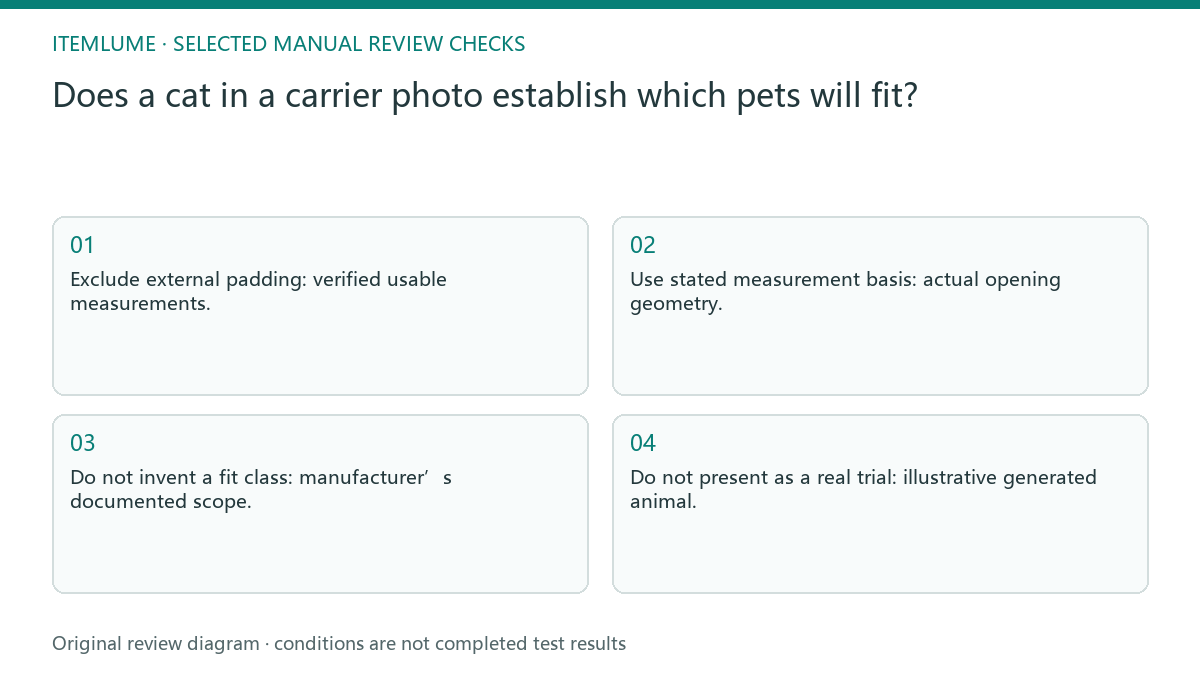
- Exclude external padding: verified usable measurements.
- Use stated measurement basis: actual opening geometry.
- Do not invent a fit class: manufacturer’s documented scope.
- Do not present as a real trial: illustrative generated animal.
Keep the manufacturer’s measurement method with the dimensions
A measurement label needs endpoints and posture. Sherpa’s own FAQ, for example, gives different measurement instructions for its carriers versus backpacks/totes. This illustrates why a seller should retain the method for the actual model, rather than copying a generic animal-height rule into every listing. It does not certify another brand or a particular pet.
| Record | Required distinction |
|---|---|
| Carrier dimensions | Exterior versus usable interior, including the installed liner/padding state |
| Entrance | Clear opening and its shape, not a perspective estimate |
| Animal comparison | Manufacturer’s stated posture and measurement endpoints |
| Use scope | Actual model’s documented conditions; no inferred fit class or travel approval |
In the fictional creative, only verified geometry belongs in the measurement block; the generated cat remains an illustration. Do not subtract guessed wall thickness or padding from exterior dimensions to manufacture an interior number. Ask for the real measurement and its method, then keep any unconfirmed suitability question visible for the merchant.
A generated cat looks smaller than a real buyer’s pet
Fictional exercise: a compact carrier advertisement includes a generated cat that looks comfortably seated. The seller removes “fits every cat,” prepares verified internal and opening dimensions, and makes the illustration’s status clear. No animal trial, wellbeing outcome or load-bearing certification was performed in this exercise.
In the fictional carrier advertisement, remove “fits every cat” and show the verified geometry separately from the illustrative animal. A reviewer should be able to identify the factual size information without treating the generated pose as a real fitting trial. If the supplier provides only outer dimensions, label those honestly and request the missing usable measurements before fit claims. Do not subtract guessed padding or estimate entrance width from perspective. Keep the illustration, documented measurements and unresolved suitability questions on separate rows.
Reject universal suitability from a staged image
Stop when the fit explanation relies only on the animal picture or on unverified dimensions. Obtain the actual product guidance before claiming suitability.
Unverified dimensions or use conditions require supplier clarification. Image generation does not certify containment, load capacity or animal wellbeing. CartVisual can create a reviewed contextual image. The seller supplies dimensional evidence, and appropriate real-world checks remain outside image generation.
Internal space to scene status: decision worksheet
| Check | Evidence to record | Review action |
|---|---|---|
| Internal space | Verified usable measurements | Exclude external padding |
| Entrance | Actual opening geometry | Use stated measurement basis |
| Use conditions | Manufacturer’s documented scope | Do not invent a fit class |
| Scene status | Illustrative generated animal | Do not present as a real trial |
Use this matrix as a manual review record and add your own real evidence. Its conditions are not completed test results.
Sources and further reading
Recorded source-review dates are listed individually below. An undated source does not inherit the article’s publication date. Software and platform rules can change; check the current original before acting.
- CartVisual: editorial policy and product scope · Review date not separately recorded
- Product photography tips(Adobe Express) · Reviewed
- 商品信息发布规范(抖音电商学习中心官方索引) · Review date not separately recorded
- Sherpa: FAQ, measuring pets for carriers and backpacks · Reviewed
Frequently asked questions
Can the cat image determine the size category?
No. Use documented product dimensions and conditions, not an apparent generated body size.
Are external dimensions enough?
Not necessarily. Identify the usable internal space and entrance on the stated measurement basis.
Does the exercise prove comfort or safety?
No. It is an illustrative creative review with no animal trial or certification.
PREPARE ASSETS FOR YOUR NEXT STEP
Create supporting product assets in CartVisual.
Create new product creative assets in the workspace, then continue in your chosen tools. Third-party software procedures described in this guide take place in those applications; this workspace link does not imply an integration. Check current capabilities, account access and credit quotes.
Explore asset creation tools Check pricing and credits