 CartVisual
A+ product pages / PRACTICAL ANSWER
Can AI search read my buying guide if all the answers are inside an infographic?
Use illustrations to explain the answer and visible text to state it. Do not make a single image the only usable source of product guidance.
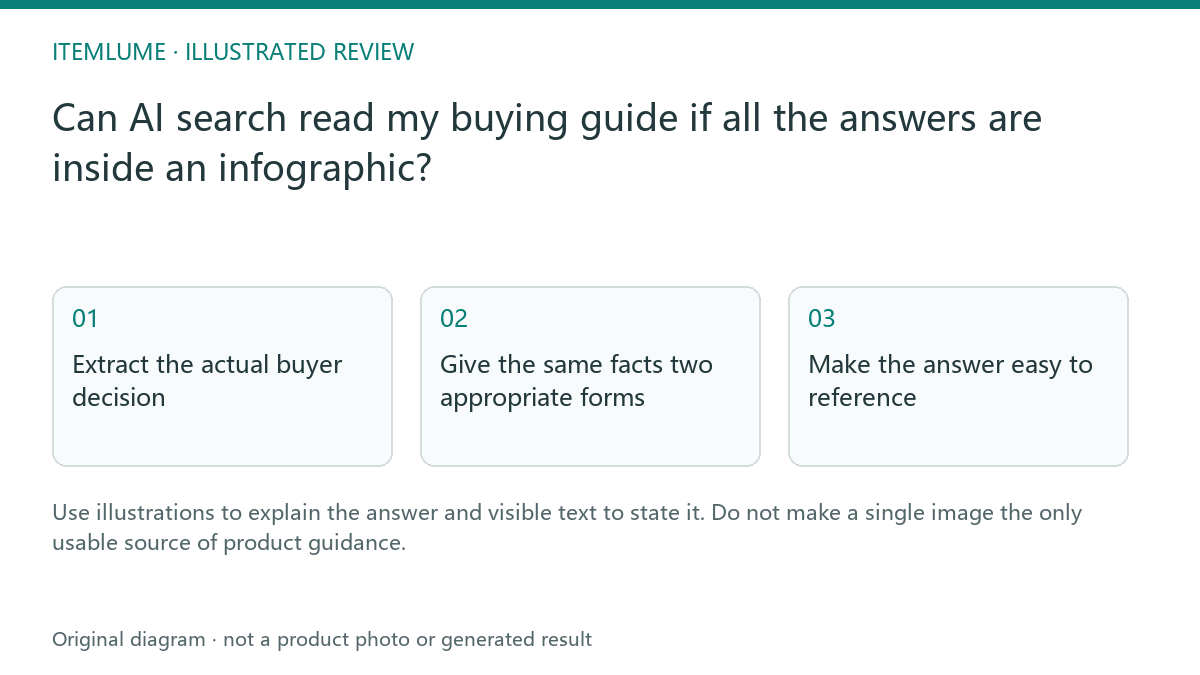
Extract the actual buyer decision
A fictional organizer guide contains a long image explaining which trays fit different drawers. A customer can see an attractive layout but cannot select the measurements or navigate directly to a section. Write the important decision in plain text: measure usable drawer space and compare the verified tray dimensions. Keep the illustration as a supporting explanation.
Google’s generative-AI search guidance emphasizes useful content and ordinary SEO, without a special writing format or special AI schema requirement. This is not a claim that every assistant is unable to interpret images. Visible text makes the decision available without depending on a particular system’s image understanding. Our layout recommendation is to make the answer independently readable, not to add hidden keyword blocks or instructions addressed to an AI crawler.
Give the same facts two appropriate forms
| Information | Visible text role | Illustration role |
|---|---|---|
| Tray dimensions | Exact values and measurement basis | Show which edges were measured |
| Clearance | Explain the selection check | Show an example gap |
| Fit limitation | State the boundary | Illustrate a non-fitting arrangement |
The two forms should agree. A caption saying “fits every drawer” cannot coexist with a table describing limited dimensions. Do not use alt text as a substitute for an entire long technical document; provide the explanation in the page content. W3C WAI’s complex-image guidance distinguishes a short image description from a longer text equivalent conveying the important information. A visible paragraph or structured table can supply that explanation; the alt attribute need not carry an entire buying guide.
Make the answer easy to reference
Use a descriptive heading, a direct answer and a small table for genuinely parallel choices. Link to the actual source of the measurements and state when the page was reviewed. A supplier document can support dimensions, while a generated scene can only illustrate them. Readers should be able to distinguish those evidence roles without opening private workbench records.
Keep real limitations near the relevant answer. A useful guide does not need to promise that every search engine or assistant will quote it.
Test as a reader before publishing
Test this fictional arithmetic with the infographic unavailable. The invented records say a drawer has usable width 300 mm and depth 400 mm; tray A has an outer footprint of 280 × 380 mm and tray B 310 × 380 mm. The example records are not real product measurements or fit certification.
| Candidate | Width and depth comparison | What the text can conclude |
|---|---|---|
| Tray A | 300 − 280 = 20 mm total width difference; 400 − 380 = 20 mm total depth difference | Within this rectangular footprint exercise only, nominal width/depth fit. Ten millimetres per side follows only if centered. |
| Tray B | 310 mm exceeds the 300 mm usable width by 10 mm | Does not fit the stated width in the recorded orientation. |
| Either tray in a real drawer | Height, corner shape, rails, tolerance, handle movement and needed working clearance are not specified here | No complete physical-fit approval. Obtain the missing measurements and product requirements. |
A useful visible answer states both the arithmetic and its boundary. An illustration can show which edges were measured, but must not add “fits every drawer.” Do not silently turn a 20 mm total difference into 20 mm clearance on each side or claim that nominal dimensions settle tolerances.
Ask a reviewer to reproduce the A/B decision using only the text. Then compare every number and limitation with the illustration. Record what was actually checked; this exercise is not an AI citation test, a live crawler test, or a real drawer trial. For the related marketing-layout task, see native text versus copy embedded in A+ images.
Sources and further reading
Recorded source-review dates are listed individually below. An undated source does not inherit the article’s publication date. Software and platform rules can change; check the current original before acting.
- CartVisual: editorial scope and evidence · Review date not separately recorded
- Google Search Central: AI search optimization guidance · Reviewed
- Google Search Central: image publishing guidance · Reviewed
- W3C WAI: Complex Images · Reviewed
Frequently asked questions
Should I hide extra text for bots?
No. Publish useful visible content for people.
Can alt text contain the whole guide?
Provide a readable page explanation for complex information.
Does readable text guarantee AI citation?
No. It makes the answer inspectable; citation remains uncertain.
PREPARE ASSETS FOR YOUR NEXT STEP
Create supporting product assets in CartVisual.
Create new product creative assets in the workspace, then continue in your chosen tools. Third-party software procedures described in this guide take place in those applications; this workspace link does not imply an integration. Check current capabilities, account access and credit quotes.
Explore asset creation tools Check pricing and credits