 CartVisual
PRACTICAL ANSWER / Product images
Does showing my product in rain make it look waterproof?
Rain can establish mood, but it cannot establish water resistance. A wet-looking headphone image may suggest sealing, durability, or safe outdoor use even when no rating is supplied. Treat the scene as decoration until a current specification, test record, or approved claim supports the exact promise in the image and copy.
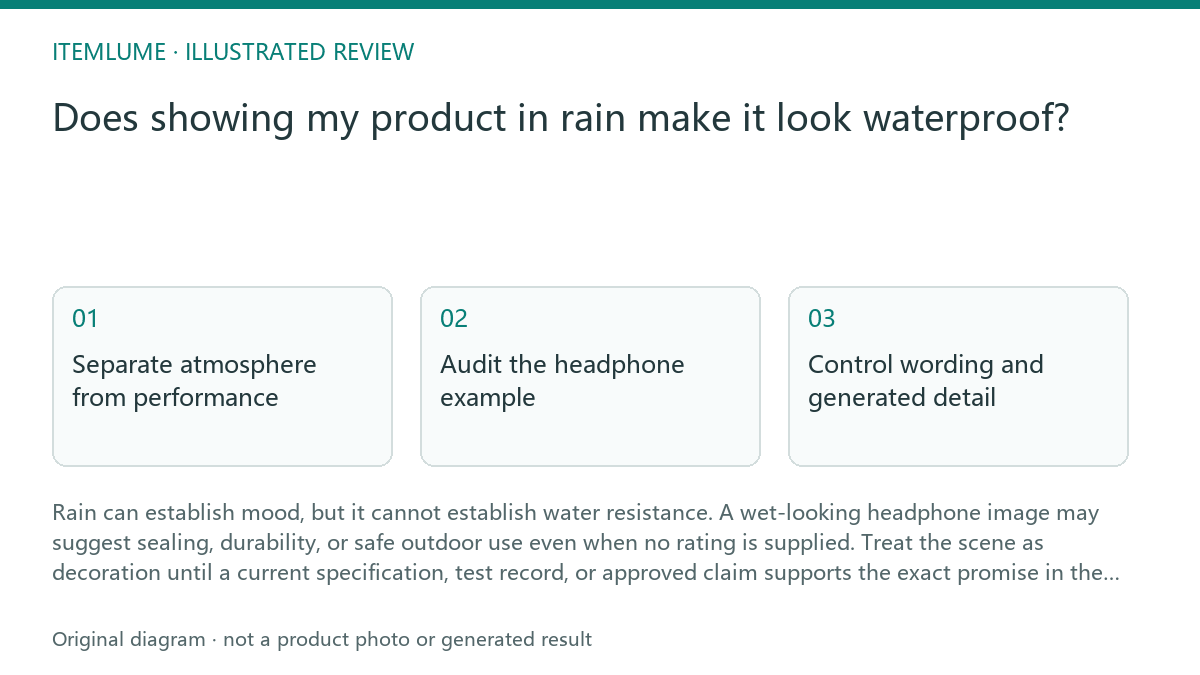
Separate atmosphere from performance
A rain scene is a visual choice: droplets, pavement reflections, mist, and a darker palette can make a campaign feel active or weather-ready. Those details become risky when the product is placed directly under heavy water, shown operating in a downpour, or paired with words such as waterproof, rainproof, sealed, or safe outdoors.
Review the impression created by the image and caption together, not only the exact adjective used. As a U.S. advertising example, the FTC explains that objective express and implied claims require substantiation. Water droplets or an AI-created sealed-looking shell do not themselves establish a rating, test condition, charging-port limit or warranty term. Keep each performance assertion tied to the actual product evidence and review the rules for the intended market; this guide does not approve a campaign as legally compliant.
- List every visual implication: rain exposure, active use, water on openings, droplets inside the scene, and any performance wording.
- Match each implication to a current approved specification or evidence record. Mark unsupported implications separately.
- Remove, soften, or redesign any visual that implies more protection than the evidence supports.
- Re-read the image and caption together from a shopper's perspective, then approve only the narrowest defensible message.
Audit the headphone example
In this fictional exercise, a headphone campaign requests a dramatic downpour, but the supplied product information contains no water rating. The diagnosis is not that the rain image is automatically forbidden. The problem is that heavy rain plus active listening can imply the headphones were tested for that environment.
A safer brief could show the headphones beside a rain-streaked window, under a covered porch, or against a dry studio surface with a restrained weather cue. The product remains recognizable, while the composition avoids water entering the earcups, controls, seams, or charging connection. The caption should describe the atmosphere, not invent resistance.
Control wording and generated detail
Review adjectives and nouns together. “Weather-ready headphones” can still imply protection even without the word waterproof. “Rainproof,” “sealed,” “submersible,” and “safe in storms” are direct performance claims; “moody rainy scene” is a production direction. Do not let an image prompt silently convert the second category into the first.
AI image generation can add droplets, runoff, glossy surfaces, and reflections. Those are workflow outputs, not product testing. CartVisual planning can help organize a visual brief after sign-in, while image and video media are quoted separately. The resulting media still requires the seller's evidence review and does not prove product performance.
Decide when to stop
Stop the approval process when the visual depends on a missing rating, test condition, or use limitation. Do not resolve that gap by asking for more realistic rain, a sharper close-up, or a more convincing water bead. More realism can make an unsupported promise easier to believe.
Resume only when the exact claim is documented and the image matches its scope. If evidence later supports a limited water-resistance statement, preserve the limits in the brief and copy. A rating is not a general license to show every kind of exposure, duration, or use case.
Rain-scene claim review
| Observation | Next check | Pass condition |
|---|---|---|
| Heavy rain falls directly on the headphones while music is playing. | Check whether an approved rating covers active use in that exposure. | Pass only when the exact exposure and use are documented; otherwise redesign the scene. |
| Droplets appear around the charging connection and controls. | Compare the visible openings with product specifications and approved imagery. | Pass when the scene does not imply protection beyond the documented scope. |
| The caption says “rainproof” although no water rating was supplied. | Request the source for that claim or replace it with neutral scene language. | Pass when copy describes atmosphere or uses an evidenced, limited claim. |
| AI adds a glossy sealed-looking shell not present in the reference. | Compare the generated surface, seams, ports, and controls with the real product. | Pass when product identity and visible construction remain accurate. |
Before writing a performance adjective beside that scene, use Which adjectives in AI product copy need evidence?.
Sources and further reading
Recorded source-review dates are listed individually below. An undated source does not inherit the article’s publication date. Software and platform rules can change; check the current original before acting.
- CartVisual: editorial scope and evidence · Reviewed
- Photoroom: repeatable product image workflow · Reviewed
- Google Search Central: image publishing guidance · Reviewed
- FTC: Advertising FAQs for small business · Reviewed
Frequently asked questions
Can I use rain if I avoid the word waterproof?
Not automatically. Avoiding the word waterproof does not remove an unsupported visual implication. Use a weather setting only after reviewing the overall image and copy against the product evidence and intended market rules.
Do realistic droplets prove that a product resists water?
No. Droplets are image details. They do not replace a documented rating, test evidence, or approved performance claim.
What should I do when no water specification is available?
Use a dry or sheltered weather cue, remove performance wording, and stop approval if the composition still depends on water resistance.
PREPARE ASSETS FOR YOUR NEXT STEP
Create supporting product assets in CartVisual.
Create new product creative assets in the workspace, then continue in your chosen tools. Third-party software procedures described in this guide take place in those applications; this workspace link does not imply an integration. Check current capabilities, account access and credit quotes.
Explore asset creation tools Check pricing and credits