 CartVisual
Image remix / PRACTICAL ANSWER
How should AI describe a refurbished item without hiding its actual defects?
Use the actual inspection record and visible defects. A condition label is not permission to write that the item is flawless.
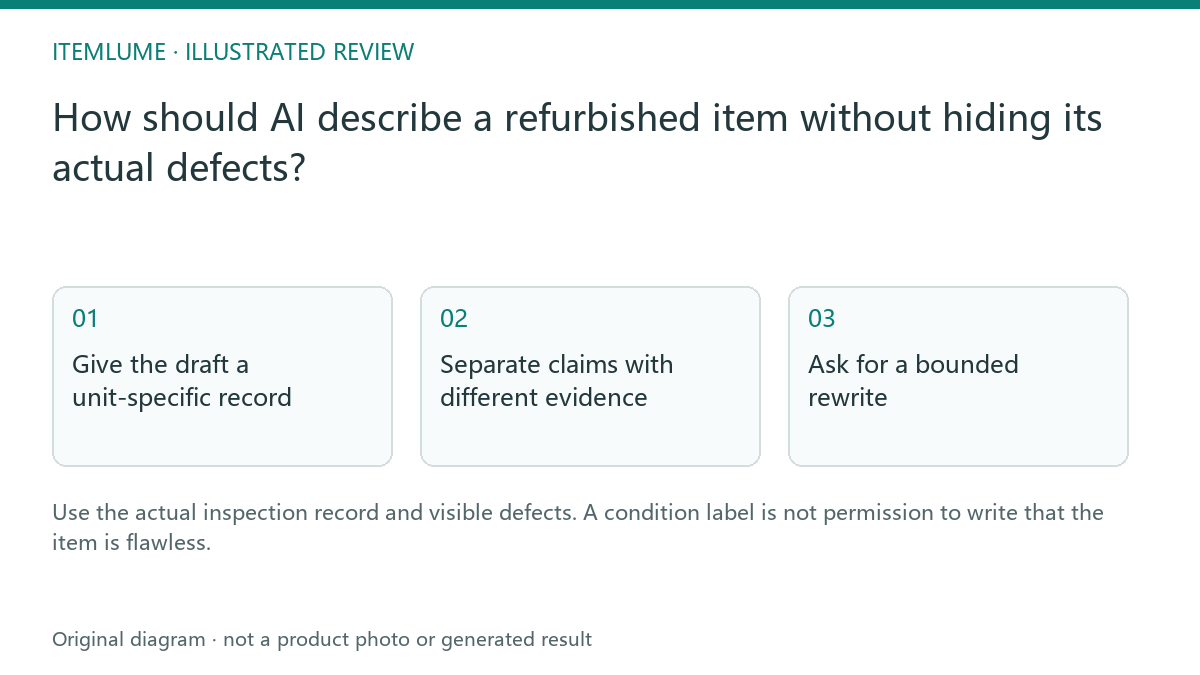
Give the draft a unit-specific record
A fictional seller lists a refurbished speaker with a small rear scratch and a replaced charging cable. The source says the unit passed the seller’s stated functional checks. An AI draft changes this to “like new, untouched and complete.” Those are new claims. Supply the unit’s actual condition, included items, repairs and observed defects before asking for polished copy.
Google’s condition field distinguishes catalog conditions for its destination. It is not a universal grading system that defines every seller’s “Grade A.” Keep the seller’s own grade definition available and consistent with the unit record.
The seller’s “refurbished” label in this fictional exercise does not prove eligibility for Google’s refurbished feed value. Google describes professional restoration to working order, an appearance of newness and a warranty. Check the real unit and applicable conditions; a scratched example or missing warranty must not be waved through by copying the seller’s grade. Correct classification and honest defect disclosure are separate checks.
Separate claims with different evidence
| Statement | Needed record | Copy decision |
|---|---|---|
| Refurbished | Actual condition classification | Use the applicable destination wording |
| Rear scratch | Unit photograph/inspection | Describe location honestly |
| Function checked | Recorded inspection scope | State only the checks established |
| Complete accessories | Actual inventory | List what is included |
Do not let a clean generated scene replace the defect photograph. The image and copy must describe the same physical unit.
Ask for a bounded rewrite
Instruct the text model to improve clarity without deleting defects, upgrading the condition or extending the inspection scope. Require unknown fields to remain unknown. Put the significant condition information near the purchasing decision rather than burying it after unrelated promotional paragraphs.
For the speaker, a useful draft can explain the recorded scratch and included replacement cable without speculating about lifetime, battery performance or factory certification. The example is fictional and provides no actual inspection result.
| Source fact in this exercise | Bounded wording | Reject this addition |
|---|---|---|
| Rear scratch documented for this unit | Rear scratch at the recorded location; show its actual photo | Flawless or untouched |
| Replacement cable included | List the supplied replacement cable and known identity | All original accessories, unless verified |
| Specified functional checks recorded | Describe only the documented checks and date/scope | Factory certified or like-new battery performance without evidence |
| Warranty not supplied in the draft record | Obtain the actual policy or leave unresolved | Invented warranty duration or automatic refurbished eligibility |
Shopify cautions that generated descriptions can introduce benefits or facts and require the publisher’s accuracy review. This table is our editorial exercise, not Shopify’s grading system. For the final listing, resolve missing information with the responsible seller rather than keep a placeholder promise.
Compare before publishing
Review the draft beside the unit record and actual photographs. Check the condition shown in the store and applicable feed. If the physical unit changes, do not reuse the same unit-specific text without inspection. CartVisual’s free text planning can help draft the description, but it does not refurbish, inspect or certify the merchandise.
Keep a unit identifier, inspection record, actual condition photos, accessory inventory and approved text together. When the physical unit changes, repeat the review. Use claim-by-claim verification and the actual destination-option check so the creative does not lead to a differently graded item.
Sources and further reading
Recorded source-review dates are listed individually below. An undated source does not inherit the article’s publication date. Software and platform rules can change; check the current original before acting.
- CartVisual: editorial scope and evidence · Review date not separately recorded
- Google Merchant Center: product condition · Reviewed
- Shopify: reviewing automatically generated descriptions · Review date not separately recorded
- Shopify: review generated descriptions · Reviewed
Frequently asked questions
Does Grade A mean flawless everywhere?
Use the seller’s actual published definition and unit evidence.
Can a generated clean photo hide the defect?
Keep accurate unit-specific condition information.
Does the model certify function?
No. Use the actual inspection record.
PREPARE ASSETS FOR YOUR NEXT STEP
Create supporting product assets in CartVisual.
Create new product creative assets in the workspace, then continue in your chosen tools. Third-party software procedures described in this guide take place in those applications; this workspace link does not imply an integration. Check current capabilities, account access and credit quotes.
Explore asset creation tools Check pricing and credits