 CartVisual
Product videos / PRACTICAL ANSWER
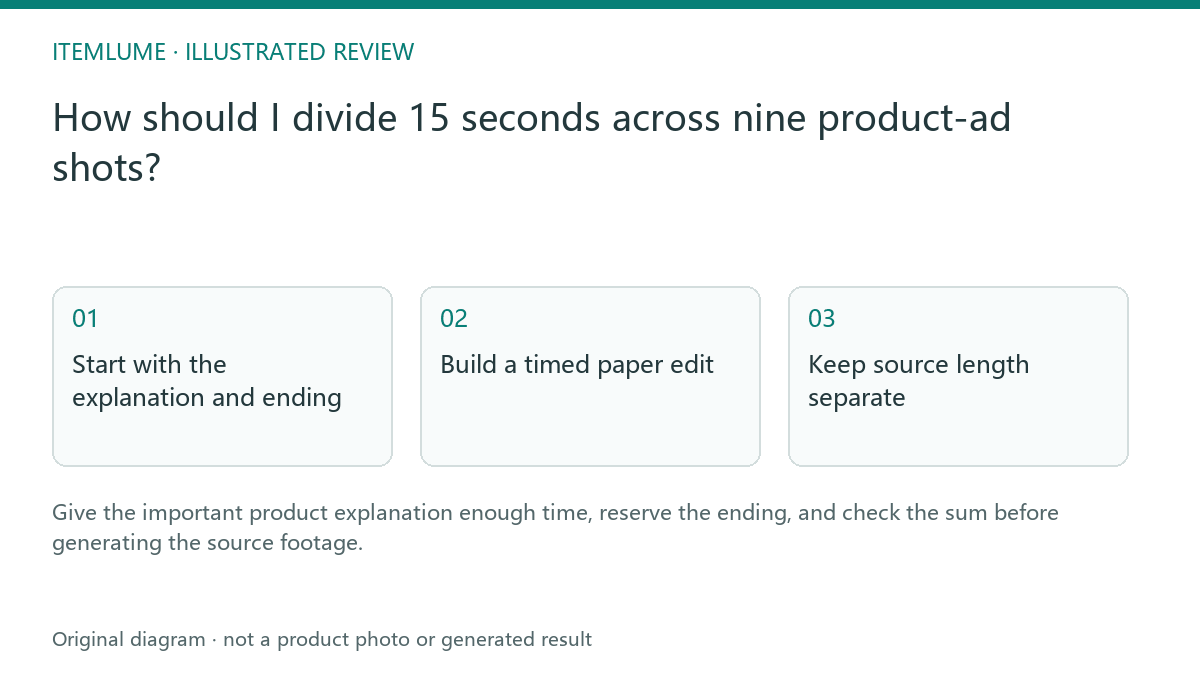
How should I divide 15 seconds across nine product-ad shots?
Start with the explanation and ending, then decide whether the current automatic timeline is suitable. This worksheet’s unequal shot lengths describe a separate external paper edit, not editable timing controls in CartVisual.
Start with the explanation and ending
A fictional refill-bottle advert needs viewers to notice the reusable outer bottle and separate refill pouch. For an external paper edit, reserve three seconds for that explanation in shot 4 and 2.5 seconds for the final product view in shot 9. Allocate the remaining 9.5 seconds across the other seven shots. These are illustrative editorial choices, not a timing preset or tested advert.
The current CartVisual director instead assigns near-equal shot intervals from the selected total and count. Its review table exposes shot size, camera, description, narration and sound fields, but no per-shot duration input. A fifteen-second nine-shot plan gives roughly 1.67 seconds to each shot. This worksheet cannot change that assignment, and writing its numbers into a description does not apply them to the automatic export.
If the explanation needs three continuous seconds, do not approve the near-equal timeline as though it meets that need. Simplify the message for its actual displayed interval or use a separately reviewed external edit. Current complete-TVC final choices are five, ten or fifteen seconds, with nine, sixteen or twenty-five shots. Do not present lower-level compiler acceptance as an additional choice exposed in the interface.
Build a timed paper edit
| Shot | Final start → end | Duration | Communication job |
|---|---|---|---|
| 1 | 0.0 → 1.5 s | 1.5 s | Introduce product. |
| 2 | 1.5 → 3.0 s | 1.5 s | Establish use context. |
| 3 | 3.0 → 5.0 s | 2.0 s | Identify outer bottle. |
| 4 | 5.0 → 8.0 s | 3.0 s | Explain bottle and refill as distinct items. |
| 5 | 8.0 → 9.5 s | 1.5 s | Clarify the documented relationship. |
| 6 | 9.5 → 10.5 s | 1.0 s | Supporting visible detail. |
| 7 | 10.5 → 11.5 s | 1.0 s | Supporting composition. |
| 8 | 11.5 → 12.5 s | 1.0 s | Prepare ending. |
| 9 | 12.5 → 15.0 s | 2.5 s | Clear final product view. |
Fictional external paper edit, not a website timing configuration or tested advert: 1.5 + 1.5 + 2 + 3 + 1.5 + 1 + 1 + 1 + 2.5 = 15 seconds. Every proposed end equals the next start; the last end equals the proposed total. Each proposed allocation is shorter than a five-second native clip, but usable content still has to be inspected; this arithmetic does not prove the required footage exists. The timing does not prove the refill is included, compatible, or genuinely demonstrated.
Read the message while following the cells. If the explanation cannot fit, simplify the message or use an appropriate separate production/editing workflow; do not promise a longer CartVisual TVC than the current interface supports. Do not speed a necessary demonstration into an unreadable gesture. Use the generated-footage budget to account for source seconds separately.
Keep source length separate
Keep three records separate: the website’s displayed automatic timeline, the generated source clips and the proposed external edit. In the current complete-TVC path each source clip is five seconds. Automatic assembly takes a prefix from its beginning for the assigned interval. With fifteen seconds and nine shots, that interval is about 1.67 seconds, not this paper table’s three seconds for shot 4.
For the proposed external cut, shot 4 would occupy final time 5.0–8.0 seconds. An external editor would need an inspected three-second usable passage and deliberate in/out choices. That edit does not happen merely because the source is five seconds long. A required action may be absent, inaccurate or unstable; stop and choose another source or simplify the sequence when it is not available.
The website does not expose arbitrary source in/out points or unequal duration controls through this worksheet. Automatic assembly produces a silent 720p, 30 fps timeline and checks the total decoded frame count; an externally edited file needs its own export and playback checks. First-frame preparation remains a separate input check. Neither correct frame arithmetic nor a clean starting image proves the final action is accurate.
Verify comprehension after assembly
After either automatic assembly or a separate external edit, watch the actual final film once without pausing and ask a fresh reviewer what is sold and what changed between bottle and pouch. Then inspect the critical transition. A correct duration sum cannot establish comprehension. If the refill relationship is unclear, revise that section of the plan rather than filling the remaining time with more decorative motion.
Sources and further reading
Sources for this page were checked on . Platform rules can change; verify the current source before publishing. Prompt examples and workflow recommendations are CartVisual editorial guidance, not independently measured results.
Frequently asked questions
Must each shot have equal length?
For this fictional external paper edit, no: allocate time to the communication job and check the sum. The current CartVisual director assigns near-equal intervals and its review table does not expose individual shot-duration controls.
Do these numbers define source clip length?
No. They describe an illustrative final edit.
Does a correct duration sum approve the advert?
No. Check comprehension and product accuracy after assembly.
Can I paste this timing table into CartVisual to apply it?
No. It is a planning example for a separate external edit. Use the actual website timeline when reviewing automatic production; a timing request in a description does not replace the assigned intervals.
PREPARE ASSETS FOR YOUR NEXT STEP
Create supporting product assets in CartVisual.
Create new product creative assets in the workspace, then continue in your chosen tools. Third-party software procedures described in this guide take place in those applications; this workspace link does not imply an integration. Check current capabilities, account access and credit quotes.
Explore asset creation tools Check pricing and credits