 CartVisual
Product videos / PRACTICAL ANSWER
Does putting a product video inside my gallery make it a video watch page?
No. A gallery video can support a product page without making video the page’s primary purpose.
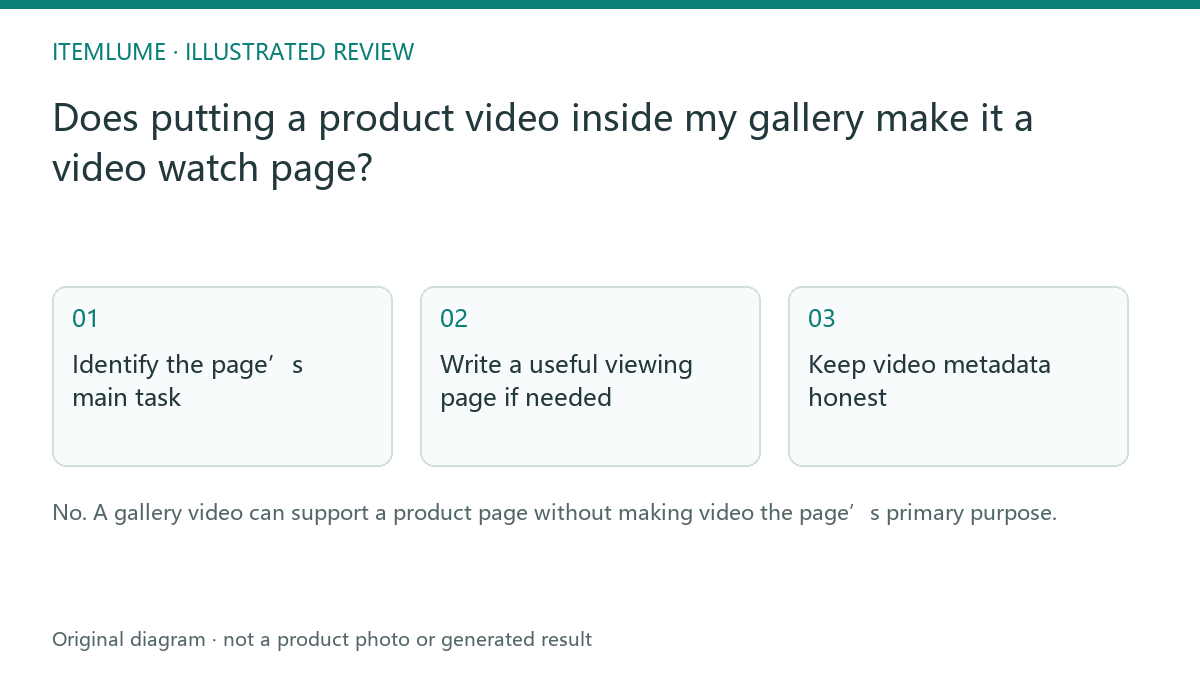
Identify the page’s main task
A fictional lamp product page contains photographs, specifications, a buy button and a small silent video. Its main task is product selection and purchase. A separate tutorial page devoted to watching the assembly demonstration serves another task. Do not treat those pages as interchangeable just because both contain the same video file.
Google’s video guidance treats a watch page as one whose main purpose is watching a single video. A product page with supporting video is a different page role. The same video may appear on both, but an indexed page does not automatically mean its video is indexed. Check the current requirements rather than promising a video result from any embedded player.
Write a useful viewing page if needed
| Element | Dedicated tutorial exercise | Purpose |
|---|---|---|
| Heading | How the lamp shade attaches | Identify the video |
| Player | Prominent intended video | Make watching the primary task |
| Supporting text | Accurate observed steps | Explain the content |
| Product link | Relevant lamp page | Offer the next useful action |
A dedicated page should add a real explanation rather than copy the product description around another player. If the film is only a decorative generated loop, do not label it as a recorded assembly demonstration.
Keep video metadata honest
For the fictional assembly tutorial, give the implementation team three different objects. These are sample paths, not deployed pages:
| Object | Illustrative address | Meaning |
|---|---|---|
| Watch page | https://store.example/videos/lamp-shade-assembly | The page that embeds and explains the intended video. |
| Embedded player, if used | https://player.example/embed/lamp-assembly | The player address; a relevant markup implementation may use embedUrl. |
| Actual video file | https://media.example/lamp-assembly.mp4 | The media bytes; a relevant markup implementation may use contentUrl. |
A page URL is not the video-file URL. Use the addresses actually served by your player and hosting setup. Keep the intended video prominent and available, its thumbnail stable and valid, and its title, description and duration tied to the displayed content. A hidden or broken player is not repaired by adding a VideoObject.
The example tutorial must contain a genuine supported assembly explanation. Label a generated decorative loop as a creative example, not a recorded demonstration. Website markup, media delivery and Search Console validation happen in that website; exporting from CartVisual does not install them. Public playback, page indexing and video indexing are separate outcomes to record.
Measure the correct outcome
Check public playback, accessibility and actual Search Console video reporting for the intended page. A product page may still provide value even if it is not eligible for a dedicated video result. Choose the page architecture for the buyer’s task, then monitor discovery. Do not create dozens of duplicate watch pages for each trivial edit merely to increase URL count. If the buyer only needs the gallery, review autoplay and poster fallback rather than creating an unnecessary watch page.
Sources and further reading
Recorded source-review dates are listed individually below. An undated source does not inherit the article’s publication date. Software and platform rules can change; check the current original before acting.
- CartVisual: editorial scope and evidence · Review date not separately recorded
- Google Search Central: video publishing guidance · Reviewed
Frequently asked questions
Is every embedded video a watch page?
No. Consider the page’s primary purpose and the current search requirements.
Can a generated loop be called a real demonstration?
Describe its actual source and content.
Does exporting from CartVisual add video schema to my store?
No. That is a separate website implementation.
PREPARE ASSETS FOR YOUR NEXT STEP
Create supporting product assets in CartVisual.
Create new product creative assets in the workspace, then continue in your chosen tools. Third-party software procedures described in this guide take place in those applications; this workspace link does not imply an integration. Check current capabilities, account access and credit quotes.
Explore asset creation tools Check pricing and credits