 CartVisual
Assets & tasks / PRACTICAL ANSWER
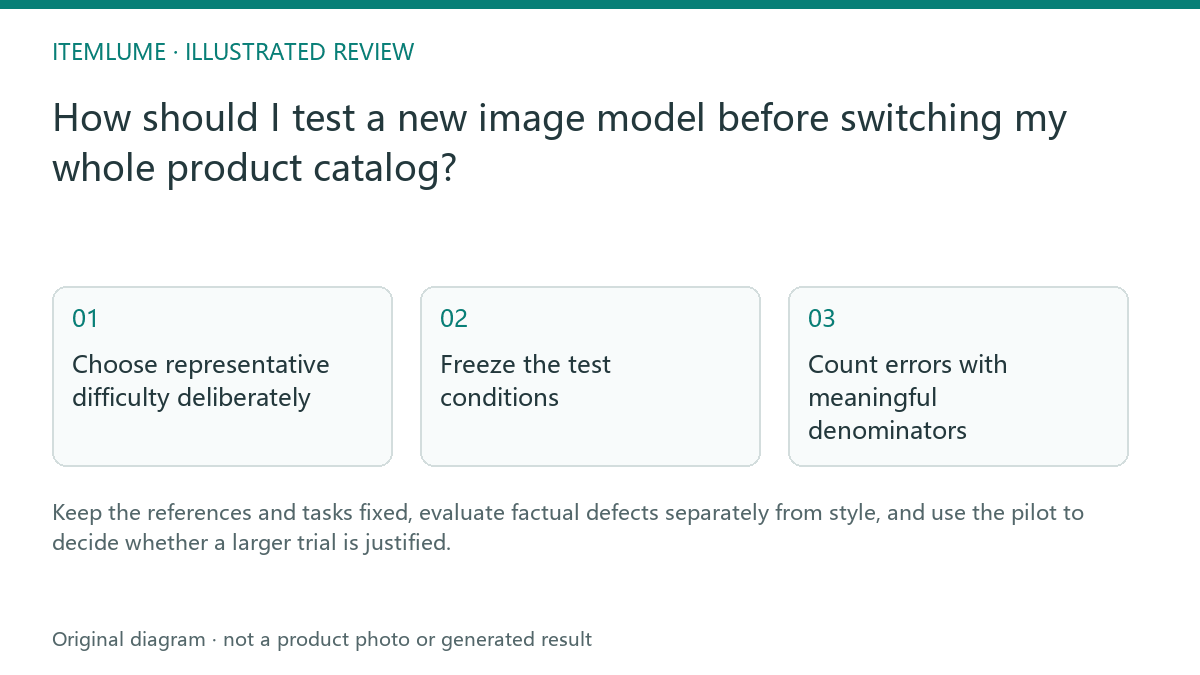
How should I test a new image model before switching my whole product catalog?
Keep the references and tasks fixed, evaluate factual defects separately from style, and use the pilot to decide whether a larger trial is justified.
Choose representative difficulty deliberately
A fictional catalog team selects a labeled bottle, a woven pouch, a reflective kettle and a simple box. Each represents a different failure opportunity. A model that produces one attractive box scene has not demonstrated label, textile or reflection reliability. Record why each test product was included rather than claiming the small set represents every SKU.
Use owned or authorized references and the same approved product facts. Keep the previous model’s accepted examples as acceptance references, with their original conditions. For a head-to-head comparison, retain every planned attempt from both models, including technical failures and rejects. Do not compare only the old model’s best images with all of the new model’s outputs. If the old configuration is no longer available, label the comparison historical and disclose the changed conditions.
Freeze the test conditions
| Condition | Keep fixed | Record separately |
|---|---|---|
| Reference | Same actual file | Source revision |
| Task | Same approved scene role | Any model-specific formatting |
| Quality | Comparable supported output | Actual resolution and quote |
| Review | Same defect definitions | Reviewer notes |
Do not improve the source only for the new model or compare a detail study with an unrelated lifestyle scene. If the tool needs a different prompt format, disclose that adjustment instead of pretending the full pipeline was identical.
Count errors with meaningful denominators
Define attempt, completed output, factual rejection and acceptance before submitting any chargeable work. Decide a bounded budget first. If the pilot is not authorized, prepare the record without running it. Use the same tasks and defect definitions for each compared configuration; log permitted model-specific prompt formatting as a pipeline difference.
Invented denominator exercise only, not an CartVisual/model benchmark: four products × three planned attempts for one configuration = 12 attempts. One fails technically, leaving 11 images for visual review. Two distinct images fail the factual gate: one changes the label, and the other changes both shape and label. Nine images are accepted for the stated task.
| Count in the invented exercise | Denominator / interpretation |
|---|---|
| 12 attempts; 1 technical failure | All planned attempts remain in the record, including a failure with no image to review. |
| 11 visually reviewable outputs; 2 distinct factual rejects | Count rejected images once. The three defect tags are not three rejected images because one output has two tags. |
| 9 accepted outputs | 9/12 per attempt and 9/11 among visually reviewable outputs answer different questions. Always name the denominator. |
| Style notes | Preference is recorded separately; it cannot override a false label or changed geometry. |
Use the model pilot sheet for per-attempt observations, and keep aggregate totals separately. Its sample row is fictional. It does not run providers or charge a wallet. The retained headphone workflow example shows selected outputs from one fictional product’s development test, not a multi-model comparison or a source of the invented totals above.
Do not generalize a small local sample into a universal success rate. For later drift under the same task definition, use the versioned reference-suite investigation.
Roll out cautiously and recheck
If the pilot is useful, test a broader relevant subset before changing the catalog. Retain the previous reference and prompt library so rejected changes can be diagnosed. Future provider updates can alter results even when a visible model name stays the same. CartVisual’s model selection only exposes currently configured supported options; this guide does not claim multiple unconfigured providers are already available.
Sources and further reading
Recorded source-review dates are listed individually below. An undated source does not inherit the article’s publication date. Software and platform rules can change; check the current original before acting.
- CartVisual: editorial scope and evidence · Review date not separately recorded
- CartVisual: owned headphone reference and actual image test · Reviewed
- Photoroom: realism and product accuracy review · Review date not separately recorded
Frequently asked questions
Can one attractive output prove a model is better?
No. Define the task set and count attempts and defects.
Should style and product errors share one score?
Use separate factual rejection gates and preference notes.
Does the worksheet run a benchmark?
No. It records a manually conducted pilot.
PREPARE ASSETS FOR YOUR NEXT STEP
Create supporting product assets in CartVisual.
Create new product creative assets in the workspace, then continue in your chosen tools. Third-party software procedures described in this guide take place in those applications; this workspace link does not imply an integration. Check current capabilities, account access and credit quotes.
Explore asset creation tools Check pricing and credits