 CartVisual
Product images / PRACTICAL ANSWER
Can an AI orbit video replace the interactive 3D model in my store?
No. A video shows a fixed sequence. An interactive 3D asset needs usable geometry, materials and store-compatible delivery.
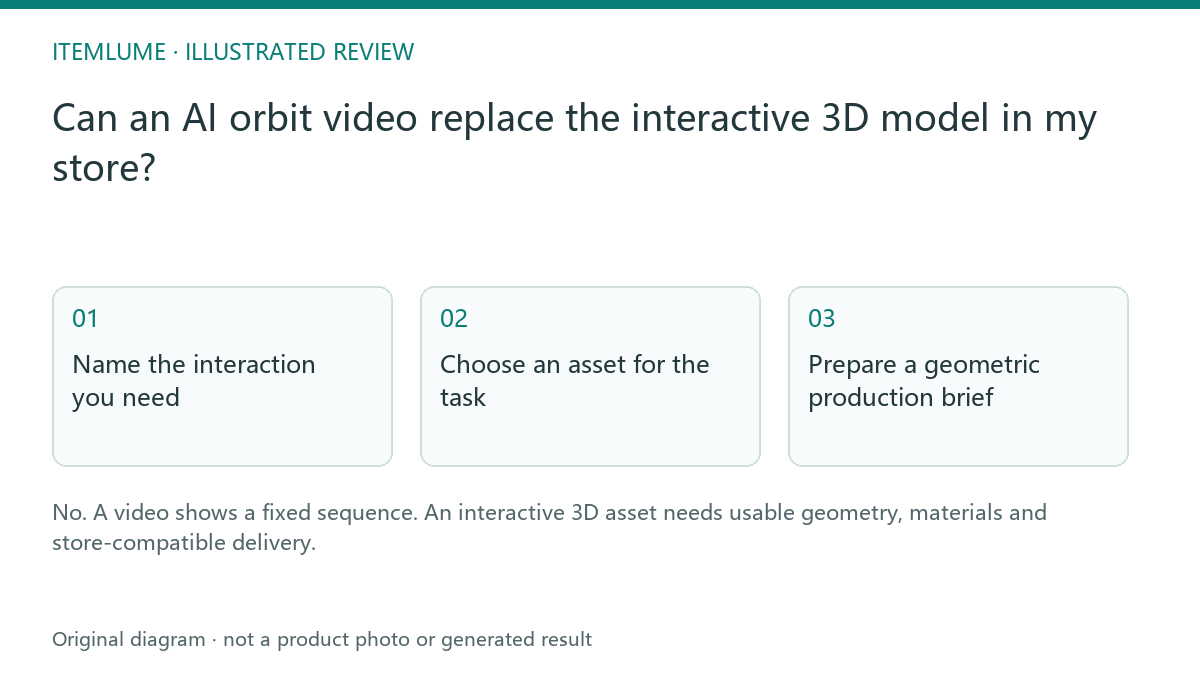
Name the interaction you need
A fictional furniture seller wants shoppers to rotate a chair and inspect the underside. A generated orbit can show a persuasive moving view, but shoppers cannot choose arbitrary viewpoints in an MP4. Its unseen structure may also be invented. Write whether the task is watching an advertisement, viewing real recorded angles or interacting with a verified geometric model.
Shopify lists images, videos and 3D models as distinct media types. That classification is useful even when another storefront uses different implementation tools.
Choose an asset for the task
| Asset | Buyer can do | Evidence limit |
|---|---|---|
| Generated orbit video | Watch a planned sequence | Unseen geometry may drift |
| Recorded turntable video | Watch captured angles | Still not arbitrary interaction |
| Reviewed 3D product model | Use supported interactive controls | Geometry/materials need validation |
A file conversion that puts a video inside a different container does not create accurate three-dimensional product geometry. Ask the model producer and storefront developer for their actual deliverable requirements.
Prepare a geometric production brief
For the fictional chair, give the 3D producer an acceptance brief before commissioning: exact product revision, dimension records and units, authorized photographs of required views, and a list of modeled, simplified and omitted features. Keep assumptions marked. A polished underside inferred from one front photo is not verified construction.
| Handoff field | Buyer task to test | Hold condition |
|---|---|---|
| Geometry and materials | Compare seat, legs, underside and finish to the corresponding real references. | Unknown joint or texture is represented as verified detail. |
| Viewer interaction | Use the actual supported rotation/zoom controls to inspect the required view. | An MP4 scrubber is presented as geometric viewpoint control, or the viewer’s limits prevent the required inspection. |
| Store delivery | Load the intended asset in the actual theme with suitable fallback. | Upload succeeds but the customer cannot access the intended interaction. |
| Evidence boundary | Label the asset’s modeled/simplified scope. | A viewable model is advertised as proof of fit, load capacity or unseen engineering without separate evidence. |
Shopify’s current media guidance requires a theme with video/3D support or the appropriate theme implementation. That platform support is separate from whether a model faithfully describes the product; it also does not make videos or 3D models variant media. Check the actual destination requirements with the producer and developer.
Use an appropriate external 3D production workflow. Current CartVisual image/video tools do not export a validated interactive geometric model. A generated ad may be a separate creative asset after its own review; see why an invented orbit cannot establish a complete real back view.
Test the actual storefront experience
Open the delivered media on supported desktop and phone layouts. Confirm controls, loading, fallback imagery and product identity. Keep the generated ad as a separate promotional asset if it passes its own review. Do not label the ad as a measured interactive model merely because the camera appears to travel around the product.
Sources and further reading
Recorded source-review dates are listed individually below. An undated source does not inherit the article’s publication date. Software and platform rules can change; check the current original before acting.
- CartVisual: editorial scope and evidence · Review date not separately recorded
- Shopify: product media types · Reviewed
- Shopify: adding product media · Reviewed
Frequently asked questions
Can I rotate an MP4 freely?
It contains a fixed sequence, not arbitrary geometric viewpoints.
Does CartVisual export a validated 3D model?
That capability is not provided by the current tools.
Can I use both media types?
Yes, when their roles and evidence limits are clear.
PREPARE ASSETS FOR YOUR NEXT STEP
Create supporting product assets in CartVisual.
Create new product creative assets in the workspace, then continue in your chosen tools. Third-party software procedures described in this guide take place in those applications; this workspace link does not imply an integration. Check current capabilities, account access and credit quotes.
Explore asset creation tools Check pricing and credits