 CartVisual
Assets & tasks / PRACTICAL ANSWER
Will downloading a creative review worksheet automatically update my store?
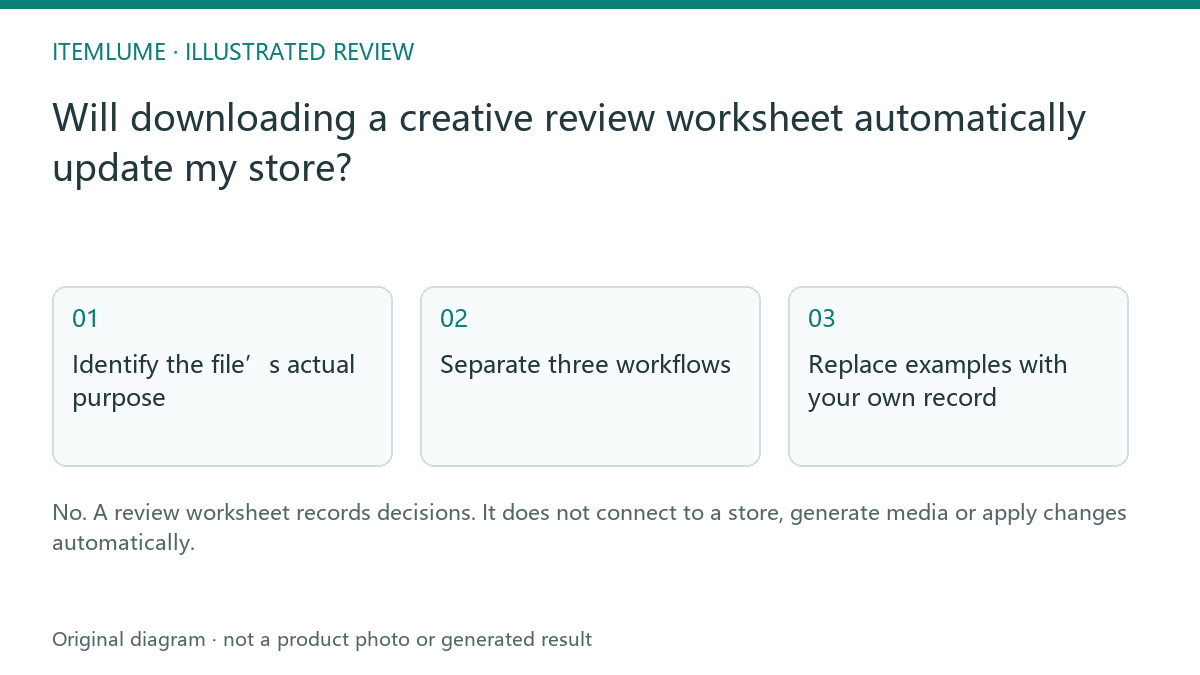
No. A review worksheet records decisions. It does not connect to a store, generate media or apply changes automatically.
Identify the file’s actual purpose
A fictional seller downloads a CSV with columns for source, defect and approval. They upload it to a store’s product importer expecting images to change. The importer expects a different schema, and the worksheet was never designed for that operation. Read the resource description before treating a familiar extension as a compatible integration.
A CSV is a text-table format used by many unrelated workflows. The extension does not establish field meanings, account access or automation. CartVisual’s review worksheets contain fictional sample rows and manual decision fields.
Separate three workflows
| File/process | Purpose | Action |
|---|---|---|
| Review worksheet | Record evidence and decisions | Open in a suitable spreadsheet tool |
| Destination-specific import | Apply supported store updates | Use actual documented schema and test |
| API integration | Programmatic connection | Requires a verified implemented workflow |
Do not paste private credentials into worksheet cells. A downloaded resource has no legitimate need to acquire your store password merely to record a review decision.
Replace examples with your own record
For an actual example, the model pilot review CSV has fields such as source_reference, product_defect, accepted and review_status, plus a row marked FICTIONAL-EXAMPLE. Those are manual review fields, not a store’s product-import schema. Its sample rejection is not a completed merchant action.
| Record state | What is established | What still needs a separate check |
|---|---|---|
| Worksheet row approved | A person recorded a review decision about the named asset/version. | Whether that file was selected or published. |
| Actual destination import completed | The destination reports processing that separate input. | The intended product/variant and buyer-facing result. |
| Live page verified | The recorded route displays the intended approved asset at that check time. | Future changes, other routes and performance outcomes. |
Copy a worksheet and replace fictional rows with your own non-secret references. Preserve the approved source files separately. If you need Shopify product import, use Shopify’s documented product CSV: it requires its defined headers and field relationships. Renaming a defect-review column is not a complete mapping to that schema. No import is executed by this article or by downloading the file.
For real product CSV updates, review blank versus omitted fields separately. The manual worksheet needs no API key, password or customer data to record this decision.
Verify the intended next step
Use the recorded decision to select the actual approved asset in your normal publishing workflow. Check the published result separately. The worksheet can improve traceability but cannot establish that the correct image was uploaded. This guide explains the downloadable resource boundary; it does not announce an unimplemented store synchronization or CSV automation feature.
Sources and further reading
Recorded source-review dates are listed individually below. An undated source does not inherit the article’s publication date. Software and platform rules can change; check the current original before acting.
- CartVisual: editorial scope and evidence · Review date not separately recorded
- Shopify: product CSV format · Reviewed
Frequently asked questions
Does CSV mean store import?
No. Check the intended schema and purpose.
Does an approved row publish the asset?
No. Complete and verify the actual publishing step.
Should I enter API keys in the sheet?
No. A manual review record does not need credentials.
PREPARE ASSETS FOR YOUR NEXT STEP
Create supporting product assets in CartVisual.
Create new product creative assets in the workspace, then continue in your chosen tools. Third-party software procedures described in this guide take place in those applications; this workspace link does not imply an integration. Check current capabilities, account access and credit quotes.
Explore asset creation tools Check pricing and credits