 CartVisual
Assets & tasks / PRACTICAL ANSWER
Should every product filter combination become a separate search landing page?
Create a durable landing page for a useful distinct buyer need. Do not treat every color, sort and availability combination as a new article.
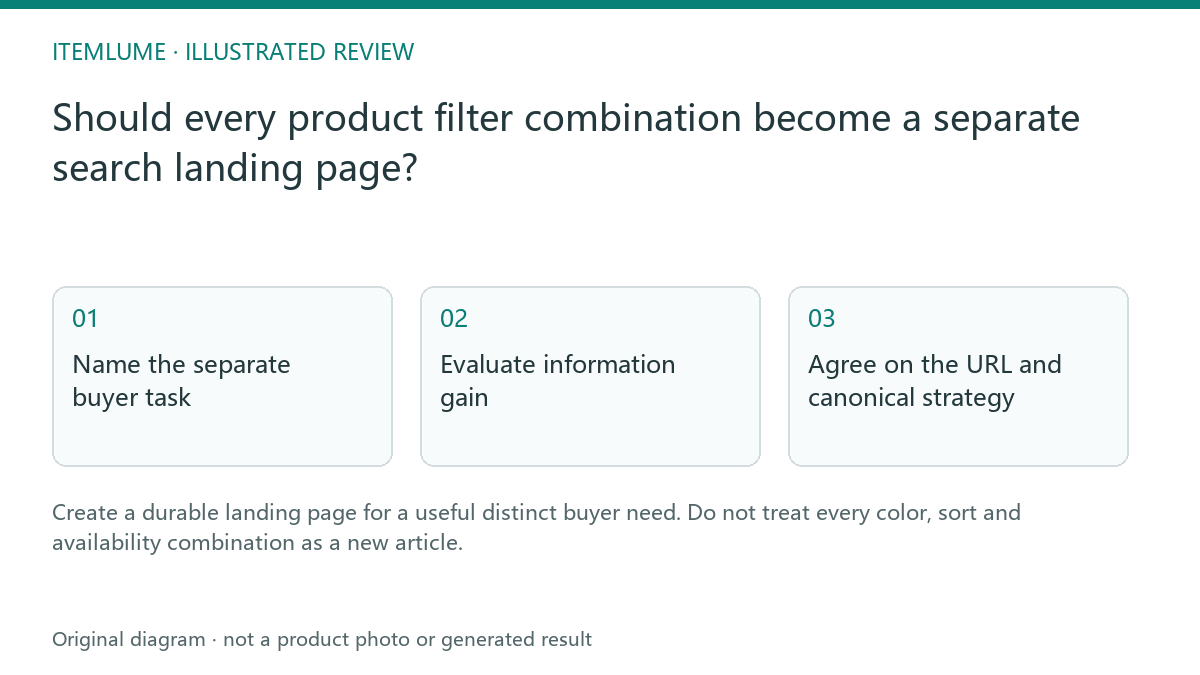
Name the separate buyer task
A fictional bag store has filters for capacity, material, color and sort order. “Water-resistant commuting bags” may answer a genuine selection task with useful explanations. “Blue + newest first + in stock today” may merely describe a temporary interface state. Write what a shopper learns on the proposed landing page beyond the same product grid.
The decision is editorial before it is technical. Product eligibility and factual claims still need evidence. Do not turn a filter label into a waterproof claim when the catalog supports only a limited water-resistance statement.
Evaluate information gain
| Candidate | Additional buyer value | Decision |
|---|---|---|
| Commuting bags | Capacity/use tradeoffs and verified product selection | Consider a maintained landing page |
| Blue sorted newest | Same items in another order | Usually retain a filter state |
| Today’s stock subset | Rapidly changing availability | Avoid a misleading evergreen promise |
These are illustrative choices, not a universal rule for all catalogs. A color-specific collection can deserve a durable page if it answers a documented buyer need with maintained selection and explanation. The weak example here is a combined color/sort/stock state without added value, not a blanket rule against color pages. If a category deserves a page, give it a stable linked destination, specific copy and an accountable maintenance owner.
Agree on the URL and canonical strategy
Prepare an editorial URL decision before changing implementation. Fictional example: three capacity choices × four materials × six colors × two sort orders × two stock states yields 288 possible combinations. This is only a combinatorial illustration, not 288 actual valuable pages, crawl requests, or measured queries.
| URL role in the exercise | Editorial choice | Implementation question |
|---|---|---|
| Maintained commuting-bag page | Distinct explanation, verified eligible products and an owner | Is the public destination linked, useful, and consistent with its intended canonical? |
| Sort-only version of that same content | Interface state, without a different buyer answer | How will duplication and crawl volume be managed on this actual platform? |
| Nonsensical or empty filter combination | No curated useful landing page | Check proper status handling rather than redirecting every bad combination to a generic success page. |
Google’s faceted-navigation guidance separates limiting unnecessary crawling from supporting filter URLs intended for search. A canonical signal is not a direct crawl block. Canonical consolidation expresses a preferred URL for duplicate or very similar content; it does not force Google’s selection or give distinct content independent visibility.
Give the developer the chosen public pages, actual filter patterns and examples to test. Do not copy an unrelated store’s robots rules or block all query strings: that can affect real variant or browse destinations. For ordinary empty or nonexistent filter combinations Google recommends a 404 response at that URL; implementation details, including single-page apps, need review. Do not apply one blanket remedy to every role in the table.
Review usefulness over time
Check whether the curated products still satisfy the stated need and whether the explanatory copy is current. Use actual search and customer data when available; do not claim a keyword opportunity from the existence of a filter. CartVisual can help draft the creative and factual explanation, but filter routing and indexing controls are store implementation work. After implementation, repeat the no-search browse test for the products still intended to be discoverable.
Sources and further reading
Recorded source-review dates are listed individually below. An undated source does not inherit the article’s publication date. Software and platform rules can change; check the current original before acting.
- CartVisual: editorial scope and evidence · Review date not separately recorded
- Google: ecommerce navigation structure · Reviewed
- Google: canonical URL consolidation · Reviewed
- Google Crawling Infrastructure: faceted navigation · Reviewed
Frequently asked questions
Should sort order create a new guide?
Usually it changes presentation without adding a distinct answer.
Can a useful filtered collection be public?
Yes, with its own maintained buyer value and deliberate URL strategy.
Does canonicalization replace content review?
No. Decide the real page relationship first.
PREPARE ASSETS FOR YOUR NEXT STEP
Create supporting product assets in CartVisual.
Create new product creative assets in the workspace, then continue in your chosen tools. Third-party software procedures described in this guide take place in those applications; this workspace link does not imply an integration. Check current capabilities, account access and credit quotes.
Explore asset creation tools Check pricing and credits