 CartVisual
Assets & tasks / PRACTICAL ANSWER
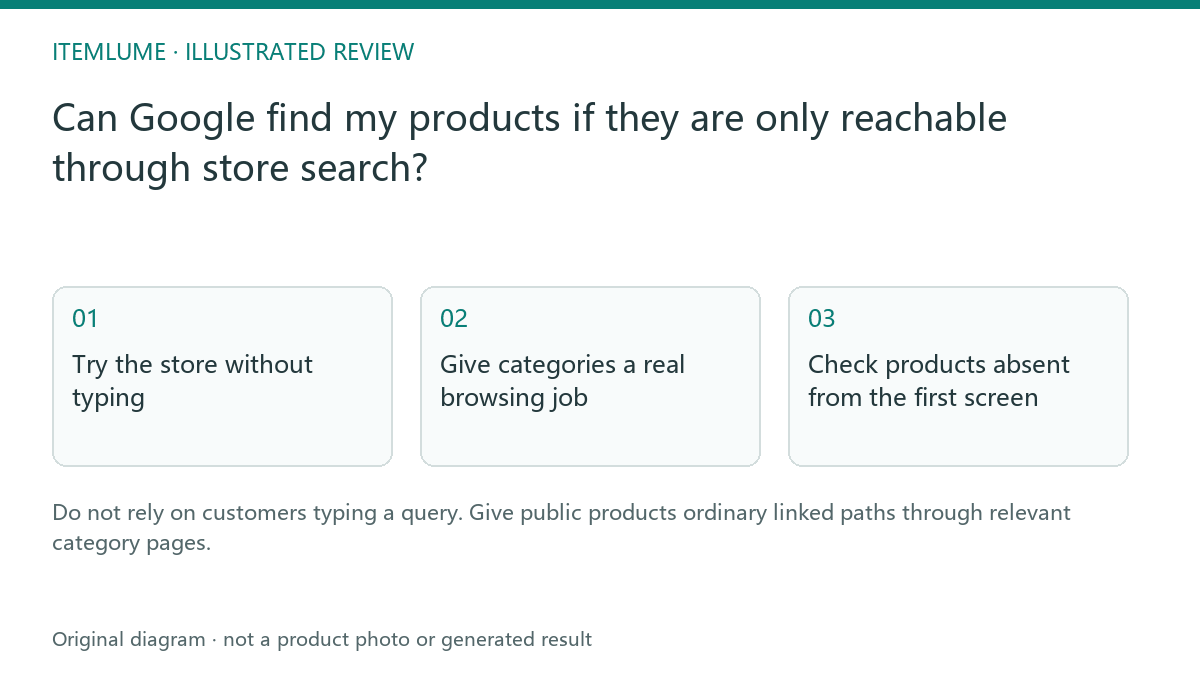
Can Google find my products if they are only reachable through store search?
Do not rely on customers typing a query. Give public products ordinary linked paths through relevant category pages.
Try the store without typing
A fictional store has forty organizers and a prominent search box, but its category page links only to a search form. A shopper unfamiliar with the product names cannot browse the range. Start at the homepage and find one organizer without using search or a saved URL. Record every linked page on that path.
Google’s ecommerce guidance says Googlebot generally does not submit site-search queries. Other links, a sitemap or a Merchant Center feed may still reveal a product URL, so search-only navigation does not prove that discovery is impossible. It remains a poor browse route for an unfamiliar shopper. This exercise tests the same practical discovery problem for a buyer. A sitemap can list a product without giving the buyer a useful route to it.
Give categories a real browsing job
| Page | Link destination | Buyer purpose |
|---|---|---|
| Home | Desk organization category | Discover the range |
| Category | Specific organizer page | Inspect a product |
| Product | Relevant compatible item | Continue a useful decision |
Use clear link labels and ordinary anchor destinations. For the fictional organizer, a browse route could be Home → Desk organization → Organizer O-27. Developer example: <a href="/products/organizer-o27">Organizer O-27</a>. The example path is not a live shop URL. A button with only an onclick search action is a different object; inspect whether it also exposes a real destination link. Dynamically inserted links can be crawlable when they produce the appropriate a element and href; server rendering is not the only allowed implementation. Do not make the only route depend on an undocumented form state. Keep the product path stable enough for a customer to revisit. This is a store navigation task, not a reason to expose private account or cart routes.
Check products absent from the first screen
The fictional store has 40 public organizers and shows 12 on the first category screen. Do not assume the remaining 28 are missing from Google; test their browse discovery. Use an actual inventory list and record each public item’s reachable category/pagination URL, not just whether its thumbnail appears initially.
| Example observation | Record for the developer | Meaning |
|---|---|---|
| O-01 linked on the first browse page | Category URL, product href and live destination response | A browse path exists; indexing remains a separate check. |
| O-27 appears after a later-page link | The actual later-page URL and O-27 href | Verify a fresh visitor and crawler can reach that path. |
| O-40 appears only after submitting a query | Exact inventory item and missing browse relationship | Add a relevant public category route; do not merely rename the search button. |
These are invented task examples, not a crawl of a merchant’s store. A “load more” interface may serve users; have its resulting links and alternate browse URLs checked before drawing a crawler conclusion. Reconcile all intended public items with their browse relationships, while keeping cart and private account routes private.
Verify after the change
Repeat the browsing task on desktop and phone, then inspect the public link markup and the affected destination. Check that unavailable or retired items are handled deliberately. Do not add every product link to the homepage simply to reduce a crawl count. Useful category structure helps people navigate; search visibility still depends on crawling, indexing and content quality. For related filter URLs, use the maintained landing-page decision; for a private workbench, use public versus private discovery scope.
Sources and further reading
Recorded source-review dates are listed individually below. An undated source does not inherit the article’s publication date. Software and platform rules can change; check the current original before acting.
- CartVisual: editorial scope and evidence · Review date not separately recorded
- Google: ecommerce navigation structure · Reviewed
- Google Search Central: crawlable links · Reviewed
Frequently asked questions
Is a sitemap enough navigation?
It helps discovery but does not replace usable browsing paths.
Should every item be on the homepage?
Use relevant categories and reachable browse pages.
Does this guarantee indexing?
No. Verify technical access and monitor actual indexing separately.
PREPARE ASSETS FOR YOUR NEXT STEP
Create supporting product assets in CartVisual.
Create new product creative assets in the workspace, then continue in your chosen tools. Third-party software procedures described in this guide take place in those applications; this workspace link does not imply an integration. Check current capabilities, account access and credit quotes.
Explore asset creation tools Check pricing and credits