 CartVisual
PRACTICAL ANSWER / A+ product pages
How do I explain whether batteries are included and ready to use?
State four facts separately: whether a battery is included, its type, whether a charger or wall adapter is included, and whether the product is charged on arrival. An included rechargeable battery does not mean a wall adapter is supplied or that the product is ready to use. Confirm each claim against product and packaging records.
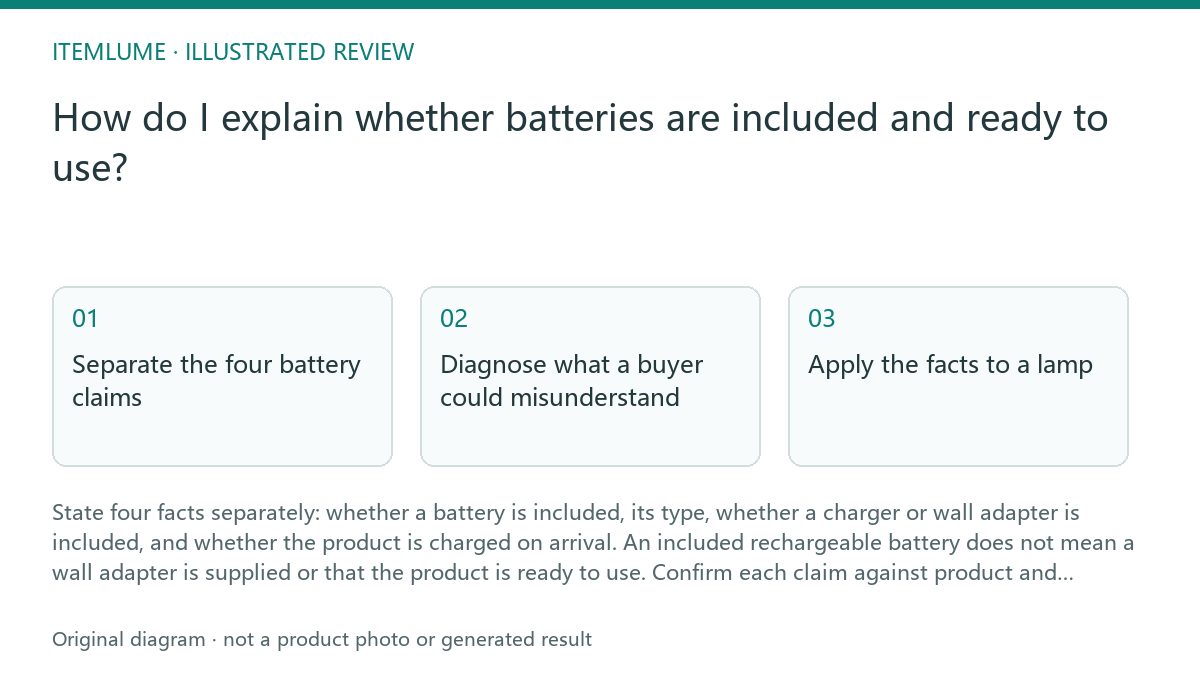
Separate the four battery claims
“Battery included” answers only whether a battery comes with the product. Name the battery type when verified, such as rechargeable lithium-ion or replaceable AA alkaline. Do not use “ready to use” as a substitute for identifying what is in the box.
Treat charging equipment as a separate pack-content fact. A rechargeable battery may be supplied without a wall adapter, charging cable, or both. Name each included item, and state when a required item must be supplied separately. Do not imply compatibility with an unspecified charger.
- Check the bill of materials or approved pack list for the battery.
- Confirm the battery chemistry/type and rechargeability. Check separately whether it is built in or user-replaceable; a rechargeable battery can also be replaceable.
- Check the pack list for a charger, cable, and wall adapter as separate items.
- Use verified arrival-charge information; if none exists, do not promise immediate operation.
- Compare the final copy with the product and packaging images.
Diagnose what a buyer could misunderstand
Read the headline, image labels, captions, and bullets together. A battery shown inside a product image can look included even when it is only illustrative; a plug icon can suggest an adapter is supplied. Make the wording and image agree, and label any demonstration prop clearly.
Follow the buyer’s first-use path: open the box, find the battery, identify charging equipment, and power the product. At each step, ask whether the listing tells them what is present and what they must provide. If evidence is missing, narrow the claim instead of filling the gap with an assumption.
Apply the facts to a lamp
Fictional exercise: a lamp’s approved pack list contains one rechargeable battery and a USB charging cable, but no wall adapter. Arrival charge has not been verified. The supported pack-content wording is: “Rechargeable battery and USB cable included. Wall adapter not included.” Keep those supply facts separate from operating instructions.
Do not add “Charge before first use” solely because the arrival charge is unknown. Check the manufacturer’s instructions for the exact product and publish a first-use direction only when that source supports it. Likewise, omit “fully charged,” “ready out of the box,” a charging time, or adapter compatibility without approved evidence. If instructions are unavailable or conflict with the pack list, stop the first-use claim and ask the supplier to resolve it before publication. This fictional exercise does not establish a charging procedure for a real lamp.
Set a clear stop condition
Stop drafting when battery inclusion, type, charging equipment, and arrival-charge status each have a verified answer or a deliberately limited statement. Check that text, images, and pack contents do not contradict one another. Leave an unknown fact unstated rather than turning it into a promise.
This review is a content workflow, not a claim about product functionality. CartVisual planning is free after sign-in; image and video media are quoted separately. CartVisual does not prove product fit or performance. The seller remains responsible for checking approved specifications and actual package contents before publication.
Battery-copy review
| Proposed statement | Evidence needed | When evidence is missing |
|---|---|---|
| Battery or cable included | Approved pack list for the exact sold SKU | Resolve the contents before making the claim |
| User-replaceable battery | Manufacturer’s replacement instructions and product design | Do not infer replaceability from a battery picture |
| Charge before first use | Exact product’s first-use instruction | Do not invent an instruction from unknown arrival charge |
| Specified adapter works | Documented charging requirements and checked setup | Do not say any USB adapter is suitable |
The table is an editorial evidence checklist, not a charging procedure. Keep pack-list facts separate from operating instructions and preserve any manufacturer warning exactly. No real lamp, battery or charger has been tested for this fictional example.
Sources and further reading
Sources for this page were checked on . Platform rules can change; verify the current source before publishing. Prompt examples and workflow recommendations are CartVisual editorial guidance, not independently measured results.
Frequently asked questions
Does “battery included” mean the product is ready to use?
No. It confirms inclusion only. State arrival charge or first-use charging separately, based on verified information.
How should I describe a rechargeable battery when no wall adapter is supplied?
Say that the rechargeable battery is included and that the wall adapter is not included. Name any included cable separately.
What if I cannot confirm the battery type or charge on arrival?
Do not guess. Omit the unverified detail and avoid claims such as “fully charged” or “ready to use.”
PREPARE ASSETS FOR YOUR NEXT STEP
Create supporting product assets in CartVisual.
Create new product creative assets in the workspace, then continue in your chosen tools. Third-party software procedures described in this guide take place in those applications; this workspace link does not imply an integration. Check current capabilities, account access and credit quotes.
Explore asset creation tools Check pricing and credits