 CartVisual
PRACTICAL ANSWER / A+ product pages
How do I write a free-shipping message when only some orders qualify?
State the order-value threshold, eligible destinations, time limit and exclusions in the same message. Keep the wording editable separately from price or threshold settings, then test the message against ordinary, borderline and excluded orders. The goal is a promise buyers can check before checkout, not a headline that requires interpretation.
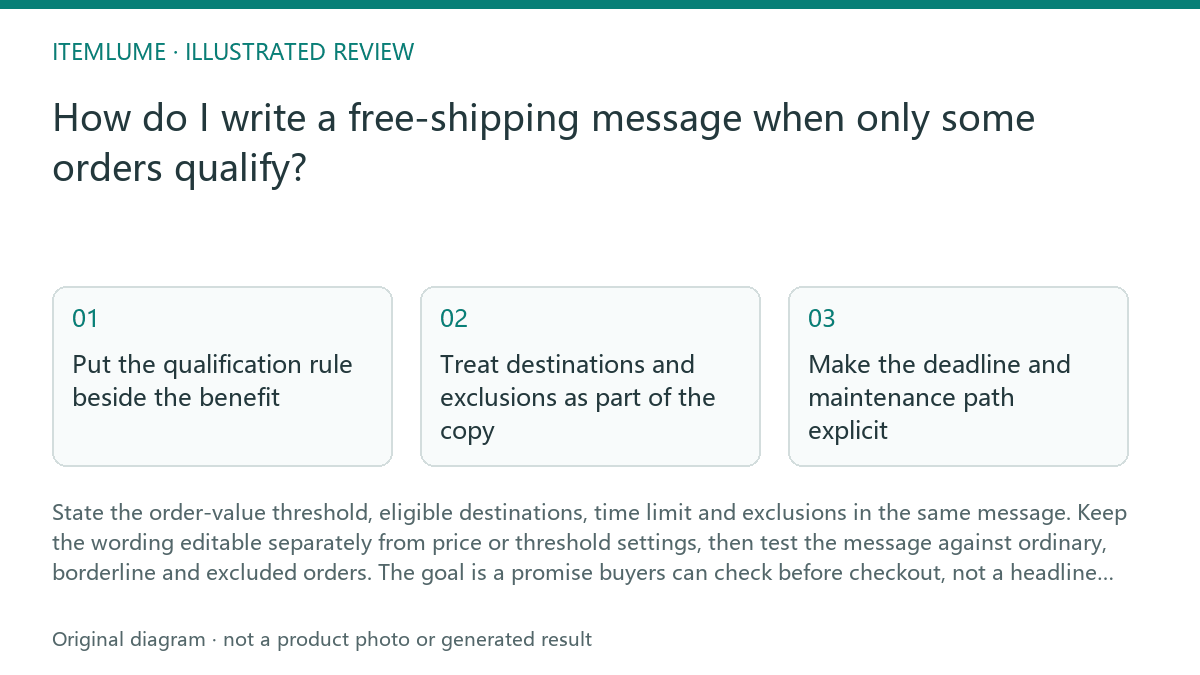
Put the qualification rule beside the benefit
State the actual eligibility rule beside the benefit, including whether the threshold is inclusive. Fictional amount-based example: “Free standard shipping on eligible U.S. orders of at least US$60 in qualifying merchandise.” Here US$60 qualifies; US$59.99 does not. This is an editable example, not a live offer. If the rule instead requires more than US$60 or a minimum item quantity, write that different condition explicitly rather than calling either one “60 units.”
Match the copy to the configured rule type and record what counts toward the threshold. Shopify shipping-rate settings and its free-shipping discount settings are distinct mechanisms. The discount documentation describes its own treatment of discounted product prices and taxes; do not automatically apply that formula to every shipping rate or another platform. Verify mixed carts, excluded destinations and the exact boundary in checkout without letting a copy edit silently change eligibility.
- List the fictional offer rule: threshold amount, currency, calculation basis, inclusive or exclusive boundary, destinations and exclusions.
- Draft one sentence that states the benefit and all conditions visible at the decision point.
- Test an order below the threshold, one exactly at it and one above it.
- Test an eligible destination and a destination outside the offer.
- Stop publishing when any test case requires a buyer to infer a condition from another page.
Treat destinations and exclusions as part of the copy
“Selected regions” is useful only when the buyer can discover which regions are selected. Name the applicable countries, territories or delivery zones where space permits, or link to a destination list that is available before checkout. Avoid placing the scope only in a distant policy page while using an unrestricted claim near the price.
Exclusions need equal visibility when they can change the result. Examples include oversized items, special handling, remote-area delivery or particular product groups, but include only exclusions that actually apply to the offer. A short “Exclusions: …” line is more reliable than dense legal wording that hides the practical test.
Make the deadline and maintenance path explicit
A temporary offer needs an end date or a clearly defined time basis. “Free shipping this week” can become ambiguous across time zones and pages. Use a date and, where relevant, a time zone: “Free standard shipping on eligible U.S. orders of at least US$60 in qualifying merchandise through 30 June, 23:59 UTC. See the eligible destination list and exclusions before ordering.” This is a fictional example and should be replaced with the real offer terms.
Maintain the message as copy, not as an accidental side effect of changing a price field. The workflow advice is to record the rule, owner and review date in the promotion brief. CartVisual planning is free after sign-in; image or video media are quoted separately. CartVisual does not publish the offer to a store, so the final storefront implementation and checkout behavior still require separate verification.
Review the message against real buyer decisions
A message passes when a buyer can answer four questions without guessing: How much must I spend? Where does it apply? When does it end? What is excluded? Check the message in the product, cart and checkout contexts where the claim appears. The wording should remain consistent, while the cart or checkout supplies the actual order calculation.
Do not treat a passing copy review as proof that shipping will be free for every order. It proves only that the stated promise is understandable and aligned with the supplied rules. Confirm the operational result separately, especially for mixed carts, borderline values and destinations with special handling.
Free-shipping message review
| Observation | Next check | Pass condition |
|---|---|---|
| The banner says “Free shipping” but omits the fictional US$60 minimum qualifying-merchandise threshold. | Compare the banner with the promotion rule. | The threshold appears beside the benefit. |
| The threshold is shown, but eligible destinations are described only as “some areas.” | Open the destination list before checkout. | A buyer can identify whether the delivery destination qualifies. |
| The offer has a deadline, but the page says only “limited time.” | Check the promotion brief and storefront copy. | The end date and required time basis are stated. |
| A product exclusion appears in a remote policy document. | Test an excluded item in a qualifying cart. | The exclusion is visible before the buyer relies on the promise. |
| A copy edit is made by changing a price or threshold field. | Inspect the content and promotion maintenance paths. | Copy can be edited independently from eligibility settings. |
If a promotion link opens a page with different eligibility wording, use Does your call to action match the page it opens? to review the destination and the promise together.
Sources and further reading
Recorded source-review dates are listed individually below. An undated source does not inherit the article’s publication date. Software and platform rules can change; check the current original before acting.
- CartVisual: editorial scope and evidence · Review date not separately recorded
- Shopify: AI-written product description review · Review date not separately recorded
- Shopify: Setting up shipping zones and rates · Reviewed
- Shopify: Free shipping discounts · Reviewed
Frequently asked questions
Should the threshold appear in the headline?
Yes, when the offer is conditional. Put the fictional “at least US$60 in qualifying merchandise” threshold close to “free shipping,” state the actual currency and calculation basis, and replace the example with the configured promotion rule. In this example exactly US$60 qualifies.
How should I handle a temporary free-shipping offer?
State the end date and any relevant time zone. Replace the fictional date with the real promotion terms before publication.
Does clear copy prove that checkout will charge no shipping?
No. Copy review checks the promise; checkout testing must separately confirm the operational result for qualifying and excluded orders.
PREPARE ASSETS FOR YOUR NEXT STEP
Create supporting product assets in CartVisual.
Create new product creative assets in the workspace, then continue in your chosen tools. Third-party software procedures described in this guide take place in those applications; this workspace link does not imply an integration. Check current capabilities, account access and credit quotes.
Explore asset creation tools Check pricing and credits