 CartVisual
Assets & tasks / PRACTICAL ANSWER
Can AI invent a missing barcode number from my product packaging?
No. Retrieve the verified identifier for the exact product. Do not use an AI guess or a visually plausible barcode number.
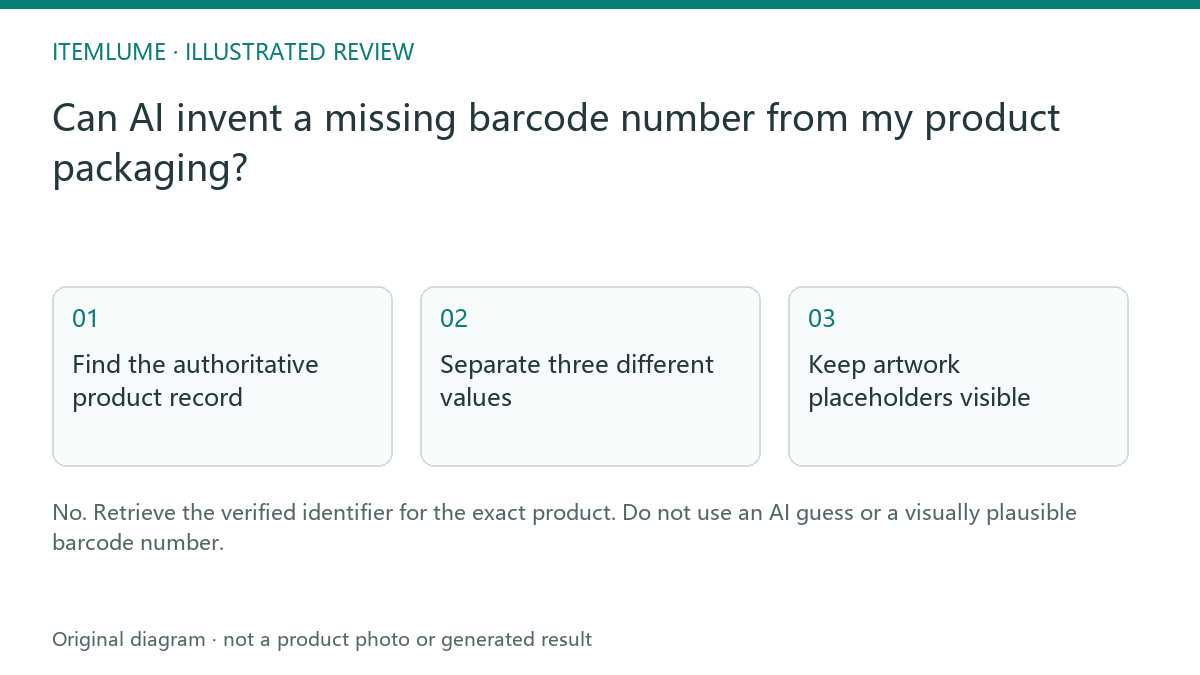
Find the authoritative product record
A fictional accessory seller receives a blurry pack photo and asks AI to recover its barcode digits. The image can suggest where the code sits, but a confident transcription may still be wrong. Obtain the identifier from the manufacturer or your verified catalog record for the exact saleable product. Do not let a creative-generation task become the source of product identity.
Google’s GTIN guidance explains the feed attribute and applicable identifier rules. It does not authorize replacing an unavailable identifier with a made-up value. Keep the record’s provenance beside the approved number.
Separate three different values
| Value | Source in the exercise | Use |
|---|---|---|
| Internal SKU | Seller inventory record | Internal option tracking |
| Verified GTIN | Manufacturer/product record | Applicable external product identification |
| Rendered barcode text | Generated pack concept | Visual placeholder until verified |
A valid-looking digit count or check digit does not establish that the identifier belongs to your merchandise. Likewise, an internal SKU is not automatically a GTIN. If the product genuinely lacks an assigned identifier, follow the destination’s current rules rather than asking AI to manufacture one. A blurry image or an empty spreadsheet cell establishes only that your record is incomplete; it does not establish that no identifier was assigned.
Keep artwork placeholders visible
For a packaging concept, reserve the barcode area and mark the production number as awaiting verification in the handoff document. Do not publish the mockup as if its code identifies an actual item. When the verified number arrives, the production artwork needs a checked barcode and appropriate supplier review, not merely regenerated digits.
Compare the pack revision and quantity sold. The identifier for a single unit should not be casually reused for a different bundle because the pictures look similar.
Audit the public product record
Before release, reconcile the exact SKU, variant and sold pack with the authoritative product record, then compare the public store entry, applicable feed and packaging artwork. Keep the source reference and the catalog owner’s decision. Do not copy a plausible number from a similar color, capacity or single-unit package.
| Evidence state | Next step | Do not substitute |
|---|---|---|
| Number unclear or missing locally | Request the exact product’s authoritative identifier record; retain “unknown” internally. | An AI completion, nearby product’s digits, zeros, or “not assigned” inferred from unreadability. |
| Correct assigned GTIN confirmed | Match it to the variant and sold pack; check required format and check digit. | A valid check digit as proof of product ownership. |
| Legitimate source confirms no assigned GTIN | Follow the destination’s applicable missing-identifier rules and other identifier requirements. | A fabricated replacement number or a universal exemption assumption. |
Google Merchant Center’s GTIN guidance says to supply a GTIN only when it is known to be correct and not to guess. Its guidance is destination-specific; it is not a barcode-print production standard. Do not generalize a single item’s identity to another variant or pack merely because the package artwork looks similar.
CartVisual does not allocate identifiers or establish ownership. Use the family-to-variant ledger for internal SKU relationships and barcode artwork proofing after the real number is confirmed. Neither workflow turns a generated code into an authoritative identifier.
Sources and further reading
Recorded source-review dates are listed individually below. An undated source does not inherit the article’s publication date. Software and platform rules can change; check the current original before acting.
- CartVisual: editorial scope and evidence · Review date not separately recorded
- Google Merchant Center: GTIN attribute · Reviewed
Frequently asked questions
Can a check digit prove ownership?
No. It checks a format relationship, not whether the identifier belongs to the product.
Is an internal SKU a GTIN?
They have different roles. Use the destination’s verified identifier rules.
What if no GTIN is assigned?
First distinguish “we do not know the number” from a legitimate source confirming no assigned GTIN. Follow the destination’s applicable rules; neither case authorizes inventing one.
PREPARE ASSETS FOR YOUR NEXT STEP
Create supporting product assets in CartVisual.
Create new product creative assets in the workspace, then continue in your chosen tools. Third-party software procedures described in this guide take place in those applications; this workspace link does not imply an integration. Check current capabilities, account access and credit quotes.
Explore asset creation tools Check pricing and credits