 CartVisual
Assets & tasks / PRACTICAL ANSWER
Should my product care guide be a PDF, a web page or both?
Use a readable web answer for quick access and a download when printing or offline use matters. Keep the two versions factually aligned.
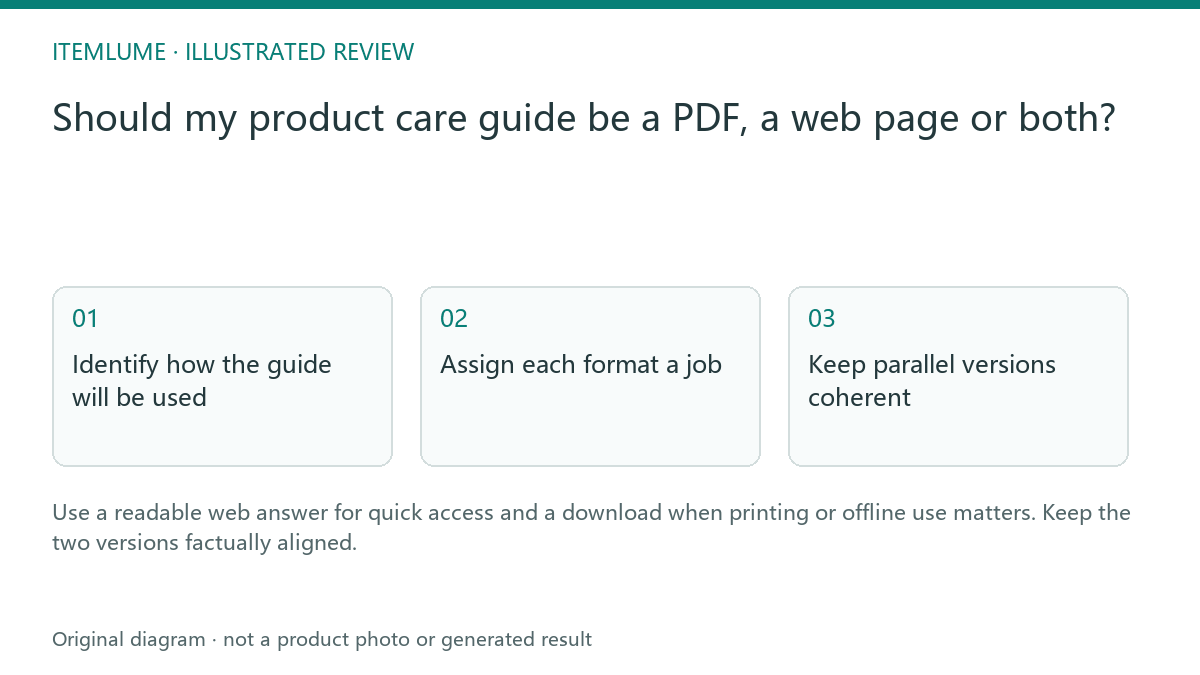
Identify how the guide will be used
A fictional handmade-bowl seller has a care PDF linked only from an order email. Prospective buyers cannot easily learn whether the bowl suits their use. Publish the verified care answer on an appropriate public page if it helps product selection, while retaining a printable download for owners. The decision is about access and maintenance, not a rule that every PDF is bad for search.
Do not infer care instructions from a generated product image. Use the maker’s actual material and care record. Each public version must refer to the correct product revision.
Assign each format a job
| Format | Reader task | Maintenance record |
|---|---|---|
| HTML page | Read, navigate and link to a section | Current public revision |
| PDF download | Print or use offline | Visible revision/date |
| Order link | Find the relevant instructions | Correct product/version destination |
Make the download label explain the document rather than simply saying “click here.” A reader should know which product instructions they are opening. Avoid a scanned image-only PDF when a readable document can be supplied.
Keep parallel versions coherent
When the bowl’s care boundary changes, update the web explanation and the downloadable file together. Keep a revision record and replace links to obsolete public downloads where appropriate. Ask the website implementer to review canonicalization if the same document is available in multiple indexable formats; that decision depends on the actual content relationship.
Do not point a distinct detailed care manual at an unrelated marketing landing page merely to concentrate URLs. The destination should represent the intended document.
For an equivalent non-HTML document, Google documents an HTTP Link response header with rel="canonical" and an absolute preferred URL. A PDF cannot use an HTML head element as its canonical instruction. Ask the implementer to inspect the PDF response itself and ensure it agrees with the intended duplicate relationship. The directive is a canonical signal, not a guarantee of Google’s selection.
If the PDF contains a distinct detailed manual while HTML gives only a summary, do not label the two as equivalent merely because they concern the same bowl. Keep each useful document discoverable according to its purpose and link the summary to the manual.
Test the reader journey
Open the page and download without signing in. Check that the document is readable on a phone, prints usefully and agrees with the product listing. Keep an archive internally if needed, but make the current public instructions unambiguous. CartVisual does not manufacture or validate care requirements; this is a publishing method for instructions established by the responsible maker.
| Paired revision check | Record | Hold if |
|---|---|---|
| Maker’s factual instruction | Product revision and authoritative care basis | The changed care claim is unverified |
| HTML and downloadable file | Visible revision and same applicable instructions | One still gives obsolete care advice |
| Public links | Current download, product listing and order/help destinations | A commonly used link still gives a misleading old manual |
| Reader delivery | Anonymous phone reading, useful print, selectable readable content | Essential instructions are inaccessible or illegible |
This is a maintenance checklist, not a claim that every printed copy can be recalled. Previously downloaded or printed instructions may persist; the responsible maker must decide how a material correction reaches affected owners. Track the actual updated files with honest modification dates and keep the source of the care claim available.
Sources and further reading
Sources for this page were checked on . Platform rules can change; verify the current source before publishing. Prompt examples and workflow recommendations are CartVisual editorial guidance, not independently measured results.
Frequently asked questions
Are PDFs always unsuitable for search?
No. Choose formats for reader needs and manage their relationship deliberately.
Can I derive care from a generated image?
Use verified maker instructions.
What changes when instructions are revised?
Update the public page, download and relevant links together.
PREPARE ASSETS FOR YOUR NEXT STEP
Create supporting product assets in CartVisual.
Create new product creative assets in the workspace, then continue in your chosen tools. Third-party software procedures described in this guide take place in those applications; this workspace link does not imply an integration. Check current capabilities, account access and credit quotes.
Explore asset creation tools Check pricing and credits