 CartVisual
Assets & tasks / PRACTICAL ANSWER
Should I update every guide’s date whenever I publish new articles?
No. New articles have new dates. Existing pages need date changes only when the relevant document was actually updated.
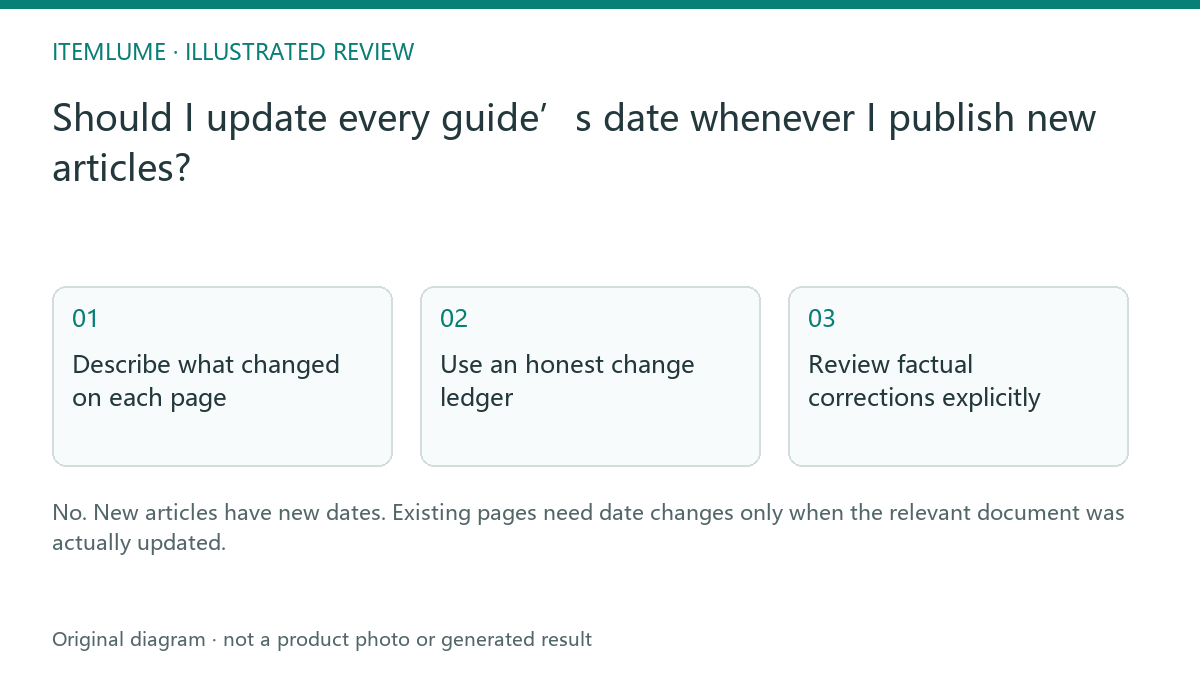
Describe what changed on each page
A fictional merchant publishes a new guide about ceramic handles and adds a related link from an older mug guide. The older guide’s main explanation remains the same. Record the new guide’s publication date and the older page’s link change separately. Do not relabel the old article as newly researched if its sources and claims were never reviewed.
Google’s sitemap guidance explains modification dates. The practical record here distinguishes substantive editorial updates, navigation changes and unchanged documents. It is not a ranking shortcut.
Use an honest change ledger
| Change | Editorial record | Date decision |
|---|---|---|
| New article | New text and reviewed sources | New publication/review dates |
| Corrected product fact | Changed section and source | Actual revision date |
| Added related link | Navigation-only update | Do not imply body rewrite |
| No change | None | Keep existing dates |
A site template or schema update can alter the rendered document even when the article body remains intact. Record that technical change accurately without claiming every article was freshly written. Ask the implementation team how its sitemap calculation reflects document changes.
Google says sitemap lastmod should reflect the last significant update; main content, structured data or links can qualify. A copyright-year change does not. Do not interpret the “added related link” row as a universal instruction to keep sitemap lastmod unchanged. Assess that actual link change and record it without calling the body newly researched.
Review factual corrections explicitly
If the mug’s capacity changed, update the affected claims and references, identify the revision in the editorial record and check related examples. Do not simply move the date forward while leaving an obsolete number in the table. Conversely, a valid old explanation can remain useful with its original date.
Keep original publication and subsequent revision distinct when the site supports both. The date should help a reader assess currency, not manufacture a signal of activity.
| Date field or record | Meaning | Example decision, not a timestamp to copy |
|---|---|---|
| datePublished / visible publication | Original first publication | Keep the original day and genuine available precision |
| dateModified / visible editorial revision | Actual revision of this article | Use the real correction date when the change qualifies |
| Sources reviewed | When the cited basis was actually checked | Do not refresh merely because a deployment ran |
| Sitemap lastmod | Last significant page update | Record a qualifying link/schema change even without a rewritten body |
Keep the actual event and evidence for each field. Date-only source records do not justify inventing an exact hour. A technical change log may explain a schema correction without pretending a new author researched the article. Claim/source review and deployment are different events.
Check the published dates and sitemap
Open the revised page and compare its visible dates, structured data and sitemap record with the ledger. Inspect several unchanged pages to ensure the release did not refresh them indiscriminately. Monitor actual crawling and indexing after publication. A recent lastmod value does not prove that Google has processed the new document or that an assistant will cite it.
Before a release, compare a genuinely revised page, a link-only changed page and an untouched page against their own records. Retain observed differences rather than moving every date to the release day. A revision fixes the statement and its table/FAQ together; see parallel web/download versions when another format carries the same instructions.
Sources and further reading
Sources for this page were checked on . Platform rules can change; verify the current source before publishing. Prompt examples and workflow recommendations are CartVisual editorial guidance, not independently measured results.
Frequently asked questions
Does a new article make old articles new?
No. Record each document’s actual changes.
Can technical changes affect lastmod?
They can change the document; describe the technical update honestly.
Does a recent date guarantee crawling?
No. Check actual processing dates and indexing reports.
PREPARE ASSETS FOR YOUR NEXT STEP
Create supporting product assets in CartVisual.
Create new product creative assets in the workspace, then continue in your chosen tools. Third-party software procedures described in this guide take place in those applications; this workspace link does not imply an integration. Check current capabilities, account access and credit quotes.
Explore asset creation tools Check pricing and credits