 CartVisual
Image remix / PRACTICAL ANSWER
How do I describe a subscription box when its contents can change?
Label the sample as a sample and state the actual selection/substitution rule. Do not imply every pictured item is guaranteed in every delivery.
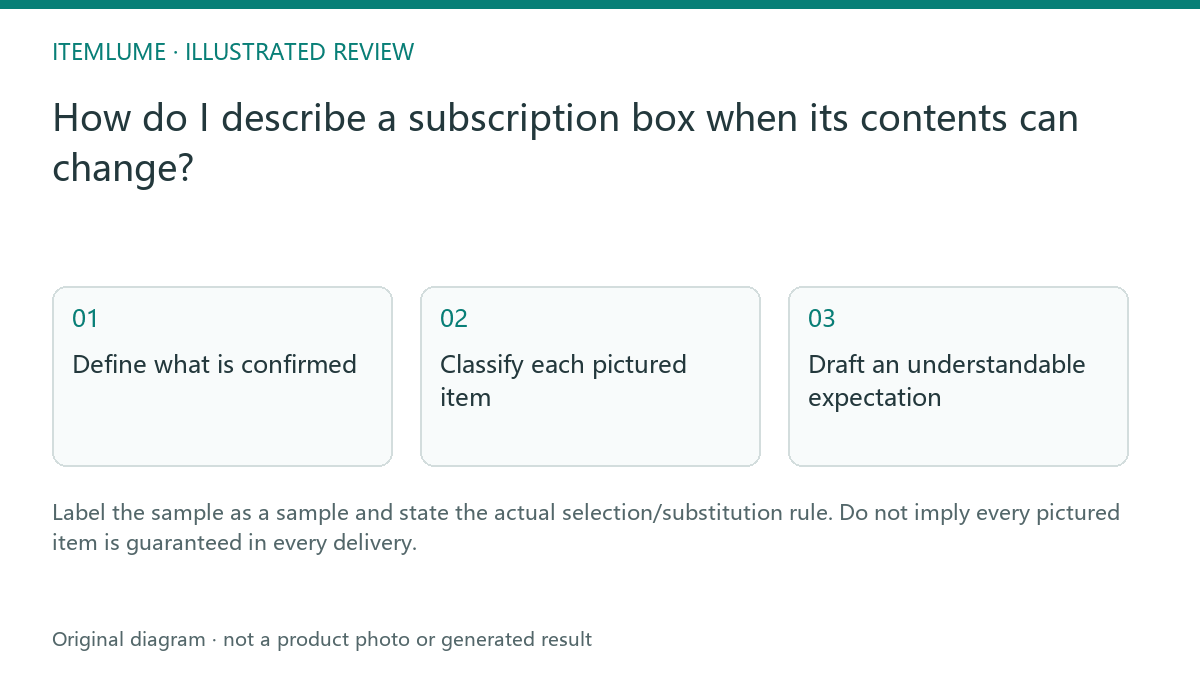
Define what is confirmed
A fictional stationery subscription uses a sample photo showing a notebook, pen and stickers. The current policy allows themed variations, but the AI draft promises that exact trio each month. Supply the verified subscription contents rule, confirmed current assortment if any, and actual substitution conditions before rewriting.
The policy is a business decision that AI cannot infer from the sample photograph. Keep any uncertainty explicit. Do not invent a guaranteed monetary value or replacement right because it makes the offer more persuasive.
Classify each pictured item
| Item/status | Copy role | Check |
|---|---|---|
| Confirmed current item | Current assortment description | Matches actual offer |
| Illustrative past item | Sample/example context | Not a future guarantee |
| Possible substitute | Actual policy explanation | Do not expand the policy |
| Delivery cadence | Verified subscription terms | Separate from assortment |
Sample rows are fictional. Review the real offer and the destination’s applicable requirements with the responsible business owner before publishing.
Draft an understandable expectation
Two fictional offers illustrate different evidence states. Do not blend them into one policy or publish their invented contents as a real business promise.
| Confirmed offer record | Draft wording for that scenario | Hold |
|---|---|---|
| Offer F: one specified current batch contains the pictured notebook, pen and sticker sheet | “This selected batch includes the three items listed here.” Identify the actual batch and supported scope. | The same sentence reused as a guarantee for every future renewal. |
| Offer V: three stationery items per delivery; categories/designs vary under the actual selection policy | “Three stationery items per delivery. The photograph shows a sample assortment; future item categories and designs vary under the stated policy.” | A headline promising that exact notebook/pen/sticker trio every month. |
| Substitution scope not documented | Hold the unsupported replacement promise and obtain the business’s policy. | Invented “equal value,” guaranteed item, replacement right or refund term. |
These are sample drafts, not advice that any label satisfies subscription law or a platform’s terms. Place the actual assortment scope beside the sample image and purchase decision. A tiny “illustration” label does not resolve a contradictory dominant headline.
Check the same policy in the product page, caption and confirmation copy whenever a batch changes. Shopify’s generated-description guidance supports accuracy review, not these invented subscription terms. Use quantity and delivery-cadence review for the separate promise about how much arrives and when.
Recheck each campaign period
Compare the current assortment and policy with the existing creative before reusing it. Replace obsolete confirmed-item claims and retain the sample label where appropriate. CartVisual does not select the contents, operate billing or approve substitutions. Its draft must remain subordinate to the real subscription offer and responsible review.
Sources and further reading
Recorded source-review dates are listed individually below. An undated source does not inherit the article’s publication date. Software and platform rules can change; check the current original before acting.
- CartVisual: editorial scope and evidence · Review date not separately recorded
- Shopify: review AI-generated description accuracy · Reviewed
Frequently asked questions
Does a sample photo guarantee every pictured item?
State the actual assortment and policy.
Can AI decide acceptable substitutions?
Use the business’s verified policy.
Should copy be checked when the box changes?
Yes. Review current confirmed-item claims and sample labels.
PREPARE ASSETS FOR YOUR NEXT STEP
Create supporting product assets in CartVisual.
Create new product creative assets in the workspace, then continue in your chosen tools. Third-party software procedures described in this guide take place in those applications; this workspace link does not imply an integration. Check current capabilities, account access and credit quotes.
Explore asset creation tools Check pricing and credits