 CartVisual
Image remix / PRACTICAL ANSWER
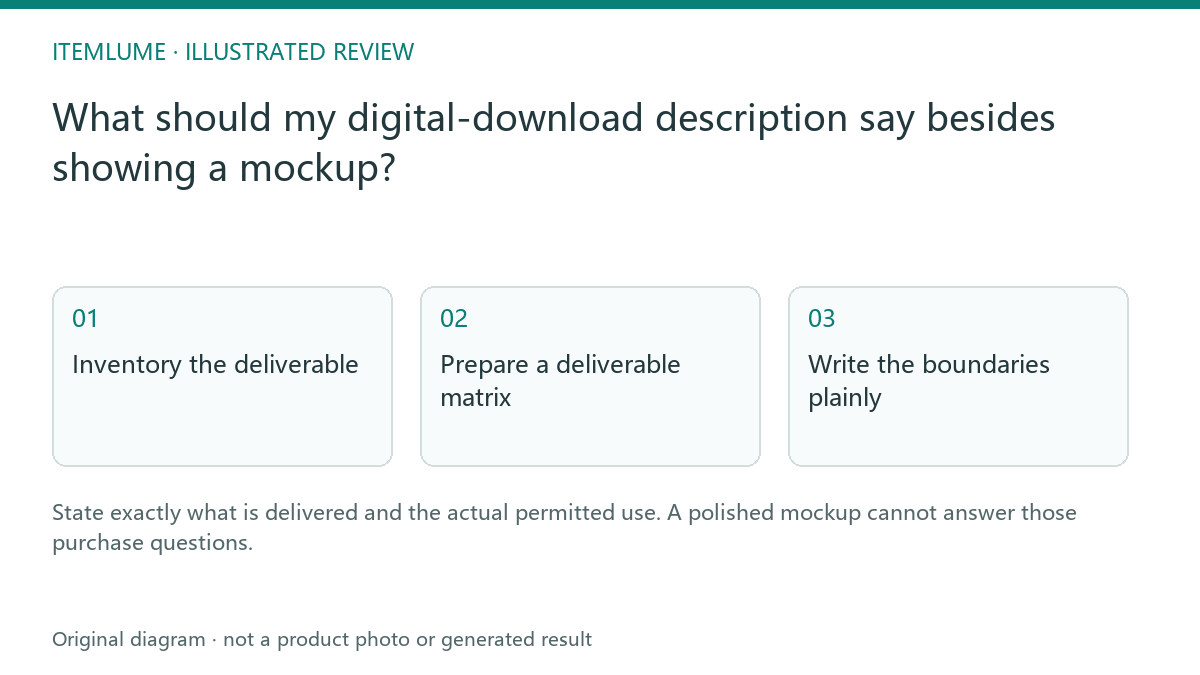
What should my digital-download description say besides showing a mockup?
State exactly what is delivered and the actual permitted use. A polished mockup cannot answer those purchase questions.
Inventory the deliverable
A fictional seller offers a printable planner. The marketing image shows a bound notebook, but the buyer receives two PDF files. Record the formats, page sizes, included variations and any known software requirement before drafting. State that no physical notebook is shipped. Do not let the model invent editable source files because the preview looks editable.
The license terms must come from the responsible seller’s actual policy. This article is a copy-preparation method, not legal advice or a license template.
Read one complete package example
Everything in this example is invented to demonstrate the inventory-to-copy check. No planner files were produced or opened, no purchase or delivery test was run, and no seller license was supplied.
| Fictional package rev B: option A4 + US Letter | Exact example specification | What the listing must distinguish |
|---|---|---|
| planner-revB-A4.pdf | PDF; 12 pages; each page 210 × 297 mm; flattened print layout; no editable source included | A4 version of the same 12 monthly layouts |
| planner-revB-Letter.pdf | PDF; 12 pages; each page 8.5 × 11 inches; flattened print layout; no editable source included | US Letter version of the same layouts, not 12 extra months |
| Option identity | A4 + US Letter bundle includes both named PDFs; no single-size option is offered in this exercise | Do not show an unoffered editable or physical option |
| Not delivered | No bound notebook, binding, paper, pen, editable project or additional artwork | Mockup props are not included |
| Software and rights | Actual supported PDF viewer/printing requirements and the seller’s applicable policy remain unverified | Resolve these before a real listing; do not invent compatibility or rights |
Two files contain the same 12 layouts in two page sizes. Calling this “24 different planner designs” would misdescribe the bundle. For an actual product, replace the exercise values with an inventory of the real approved package. A checksum distinguishes revisions but does not verify page contents, rights or buyer delivery.
Turn that inventory into a short buyer explanation
For the fictional bundle above, a bounded explanation is: “Digital download: planner-revB-A4.pdf and planner-revB-Letter.pdf. Each PDF has the same 12 monthly layouts, formatted for A4 or US Letter printing. Both sizes are included. These are flattened print layouts; no editable source file or physical notebook is included. The notebook binding and pen in the mockup are props.”
This paragraph is an example of file disclosure, not ready-to-publish sales copy. It makes no confirmed software-compatibility or permitted-use claim. Before a real listing, verify the actual files and printing requirements and link the policy that applies to that exact option. The responsible seller or policy owner must resolve the rights; do not add “commercial use,” redistribution or resale permission without their actual terms.
Check the final package and copy together
Compare the listed files with the actual package, filenames and previews. Open the documents in the intended supported context and note any unresolved requirement. CartVisual can assist the description and concept imagery; it does not create your sales license or guarantee delivery through an external download app. Keep the approved package version associated with the listing.
After a package change, compare the new files, preview, listed specifications and delivery destination again. Keep parallel web/download information aligned and use a claim record for unresolved software or license statements. Shopify’s generated-description caution supports reviewing the text; it is not proof that a particular download app delivered your file.
For this fictional bundle, an authorized buyer-flow check would compare both received filenames and page specifications with the option and copy above. Seller-only access would not establish buyer delivery. Record the real outcome only after an authorized test; leave the outcome unresolved here.
Sources and further reading
Recorded source-review dates are listed individually below. An undated source does not inherit the article’s publication date. Software and platform rules can change; check the current original before acting.
- CartVisual: editorial scope and evidence · Review date not separately recorded
- Shopify: reviewing automatically generated descriptions · Review date not separately recorded
- Shopify: review generated descriptions · Reviewed
Frequently asked questions
Does a notebook mockup imply a physical notebook?
State the actual digital-only delivery explicitly.
Can AI decide the license scope?
Use the seller’s real policy and responsible review.
Should file formats be listed?
List the formats actually delivered.
PREPARE ASSETS FOR YOUR NEXT STEP
Create supporting product assets in CartVisual.
Create new product creative assets in the workspace, then continue in your chosen tools. Third-party software procedures described in this guide take place in those applications; this workspace link does not imply an integration. Check current capabilities, account access and credit quotes.
Explore asset creation tools Check pricing and credits