 CartVisual
Assets & tasks / PRACTICAL ANSWER
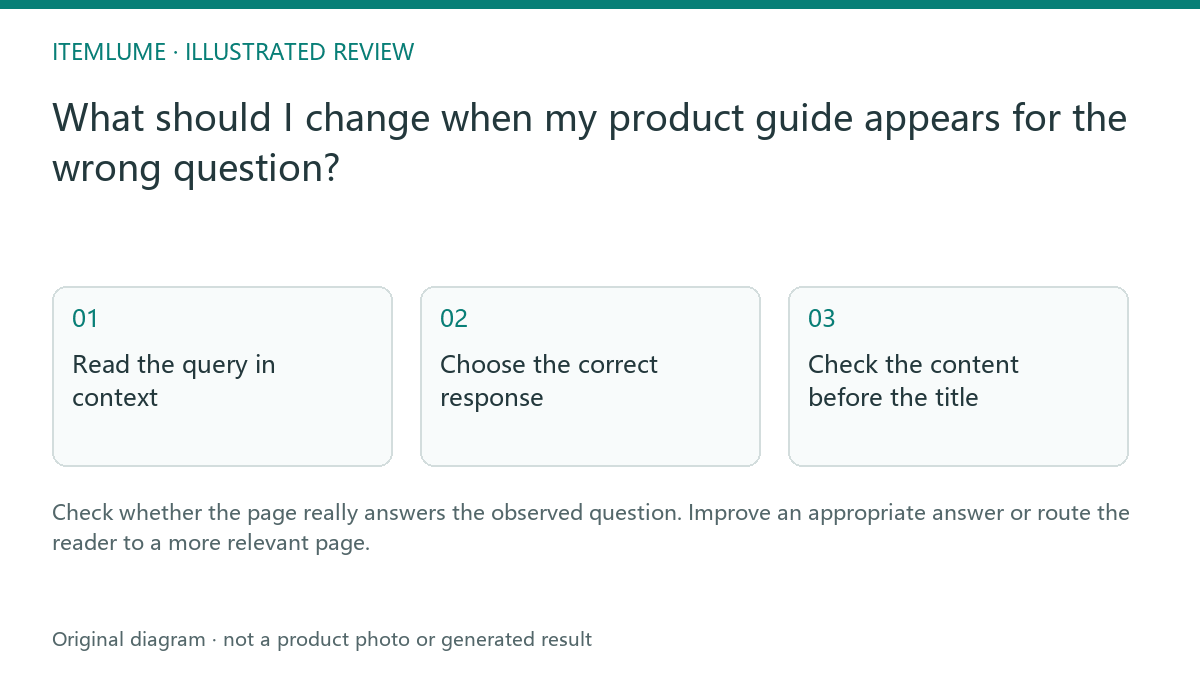
What should I change when my product guide appears for the wrong question?
Check whether the page really answers the observed question. Improve an appropriate answer or route the reader to a more relevant page.
Read the query in context
A fictional guide about printed carton artwork appears for “box internal size.” The page only explains decorative composition. The seller wants to add “internal size” to the title, but the article still would not answer the measurement question. Record the actual visible query and the page’s primary task before changing copy.
A small report may contain noisy or incomplete query evidence. Google’s performance-report guidance explains those limits. Treat the observation as a lead to investigate, not a complete keyword-demand forecast.
Choose the correct response
| Relationship | Editorial decision | Avoid |
|---|---|---|
| Page answers the question but is unclear | Clarify heading and direct answer | Changing the task unnecessarily |
| Related page answers it | Add a useful onward link | Stuffing unrelated keywords |
| No page answers a useful task | Prepare a distinct evidenced answer | Thin duplicate with swapped title |
Use the actual buyer decision to determine whether a new page is justified. A different phrase alone does not require a separate guide.
Check the content before the title
For the fictional carton-artwork page, inspect what the visible query asks the reader to decide. The same word “size” can refer to the box’s usable interior, the flat PDF page, or the artwork’s display scale. A title edit cannot create missing measurement evidence.
| Observed task | Appropriate response | Hold |
|---|---|---|
| “Which dimensions are internal versus external?” | Route to the measurement-basis guide, whose text distinguishes the product envelope, usable interior, outer package and flat template. | Calling an AI mockup a confirmed usable cavity. |
| “Why does the PDF measure another page size?” | Use the PDF page-box proof task. | Rewriting the artwork article as a physical-fit answer. |
| The existing artwork page already contains the needed layout answer but hides it | Clarify the real heading and direct answer. | A new near-duplicate article with a swapped query phrase. |
| A useful distinct task has no evidenced answer | Prepare a new brief only after defining missing evidence and ownership. | Inventing dimensions to fill the query opportunity. |
The scenario is invented; no query report or ranking outcome was measured here. Record the page/query pairing under the actual report scope and remember that query rows are incomplete evidence. Keep the title and description true to the resulting body. Metadata cannot guarantee the exact search snippet.
Measure the revised scope
Record the change date and compare the same relevant report scope later. Monitor whether users reach the useful answer, not merely whether impressions increased for an unrelated phrase. CartVisual does not automatically rewrite your store’s public pages from Search Console data. The decision requires an editorial review grounded in real queries and page content.
Sources and further reading
Recorded source-review dates are listed individually below. An undated source does not inherit the article’s publication date. Software and platform rules can change; check the current original before acting.
- CartVisual: editorial scope and evidence · Review date not separately recorded
- Google: performance-report query limits · Reviewed
- Google Search Central: AI search optimization guidance · Reviewed
Frequently asked questions
Should I add every visible query to the title?
No. Match the page’s real answer and intent.
Does a new phrase require a new article?
Only when it identifies a distinct useful task.
Can I guarantee the exact snippet?
No. Keep metadata accurate and monitor actual results.
PREPARE ASSETS FOR YOUR NEXT STEP
Create supporting product assets in CartVisual.
Create new product creative assets in the workspace, then continue in your chosen tools. Third-party software procedures described in this guide take place in those applications; this workspace link does not imply an integration. Check current capabilities, account access and credit quotes.
Explore asset creation tools Check pricing and credits