 CartVisual
Product images / PRACTICAL ANSWER
Should I focus-stack a product photograph or ask AI to sharpen it?
If a necessary detail was never captured sharply, photograph it. Focus stacking can combine captured focus planes; generated sharpness cannot prove unseen detail.
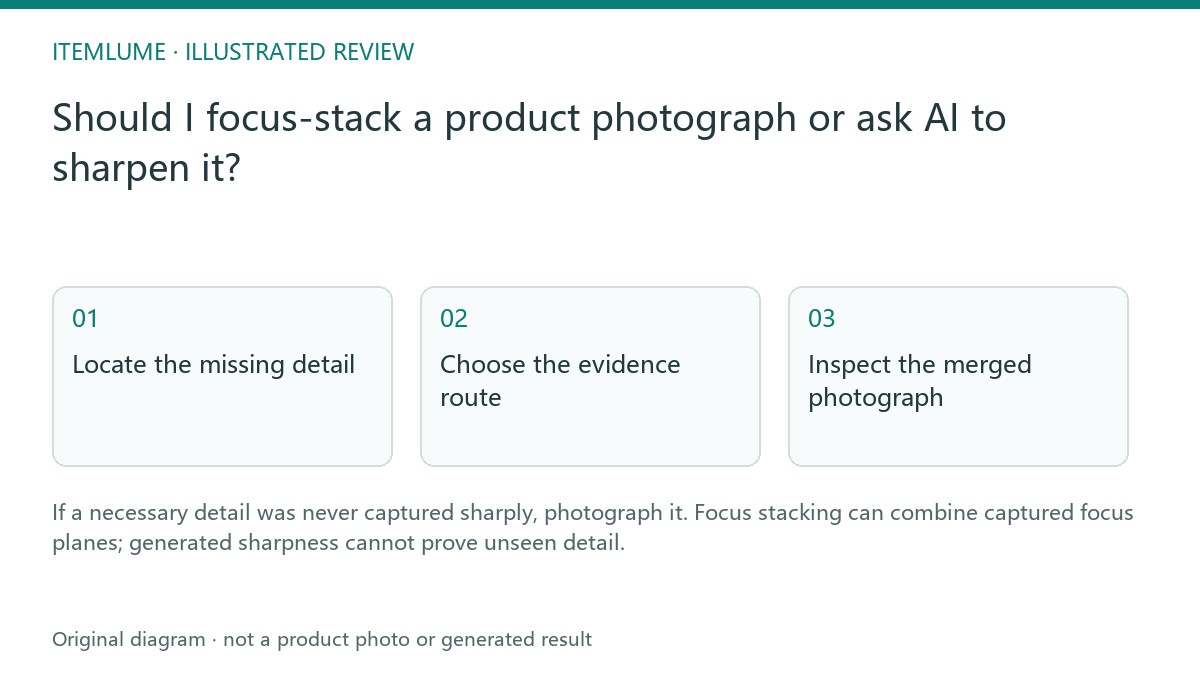
Locate the missing detail
A fictional watch seller has a close photograph with a crisp front bezel and blurry rear clasp. The clasp shape matters to the buyer. A sharpened preview may look convincing but cannot establish the exact clasp engraving or construction. Mark which details need genuine evidence before choosing an editing method.
Adobe describes focus stacking as combining photographs focused at different depths. This is a capture-and-edit technique, not the same task as organizing photographs into a library stack.
Choose the evidence route
| Need | Appropriate starting point | Review |
|---|---|---|
| One blurred detail | Separate sharp real photograph | Correct product and angle |
| Several depths in one view | Controlled focus sequence | Alignment and merged boundaries |
| Decorative apparent crispness | Creative edit | Do not claim recovered factual detail |
For the watch exercise, use a stable subject and controlled framing during the source sequence. Have the photographer or editor follow suitable equipment and software guidance. This article does not prescribe a universal number of frames or a camera setting.
In Adobe’s documented Lightroom-to-Photoshop workflow, Lightroom selects the source photos; “Open as Layers in Photoshop,” layer alignment and Auto-Blend with Stack Images perform the composite steps in Photoshop. Do not confuse Lightroom library grouping with this focus-plane merge. Follow the actual installed software’s supported workflow; this guide has not executed it.
Inspect the merged photograph
Check the clasp, bezel and intermediate edges for ghosting, inconsistent reflections or lost thin parts. Compare the merge with its real source frames. A technically sharp result can still contain a merge artifact that misrepresents the watch. Retain the original images so questionable regions can be traced.
If the object or camera moved too much, recapture or use a separate detail view. Do not let a merge algorithm’s plausible reconstruction become the only evidence for a mechanically important component.
| Watch region | Original sharp source needed | Merge review |
|---|---|---|
| Front bezel | Source where the actual bezel is sharply captured | Engraving, outer edge and reflected highlight match |
| Rear clasp | Source where the real clasp is sharply captured | No invented hinge, lost thin part or merged ghost |
| Transition between focus planes | Overlapping real captures | No duplicated edge or unexplained boundary |
This is a blank review method, not a claim that those source frames exist. If no original captures a required character or part sharply, mark it unverified and recapture it. A crisp composite boundary alone cannot prove a blurred engraving. Keep source filenames and regions beside each acceptance decision.
Use the approved reference in generation
Supply the reviewed image as a product reference and state which visible details must remain. Then compare the generated scene with it. CartVisual does not capture a focus sequence or guarantee exact recovery of blurred details. A seller who needs to prove engraving should keep an actual close photograph in the public product information, even when generated scenes support the campaign.
Use the accepted focus merge for the visible view it actually records. It does not reveal an unseen back or guarantee that another generated angle is mechanically correct. For a changed shape, use the separate geometry check; for an invented close-up, compare real source crops and generated macro views.
Sources and further reading
Sources for this page were checked on . Platform rules can change; verify the current source before publishing. Prompt examples and workflow recommendations are CartVisual editorial guidance, not independently measured results.
Frequently asked questions
Can AI sharpening prove a blurred engraving?
No. Obtain a genuinely captured detail.
Is focus stacking the same as a photo-library stack?
No. One merges focus planes; the other organizes files.
Must the merged photo be reviewed?
Yes. Inspect alignment, edges and reflections.
PREPARE ASSETS FOR YOUR NEXT STEP
Create supporting product assets in CartVisual.
Create new product creative assets in the workspace, then continue in your chosen tools. Third-party software procedures described in this guide take place in those applications; this workspace link does not imply an integration. Check current capabilities, account access and credit quotes.
Explore asset creation tools Check pricing and credits