 CartVisual
Logo studio / PRACTICAL ANSWER
What should I give an engraver after choosing an AI logo concept?
Give the engraver a reviewed design and the actual application. Approve a sample on the intended material before a larger order.
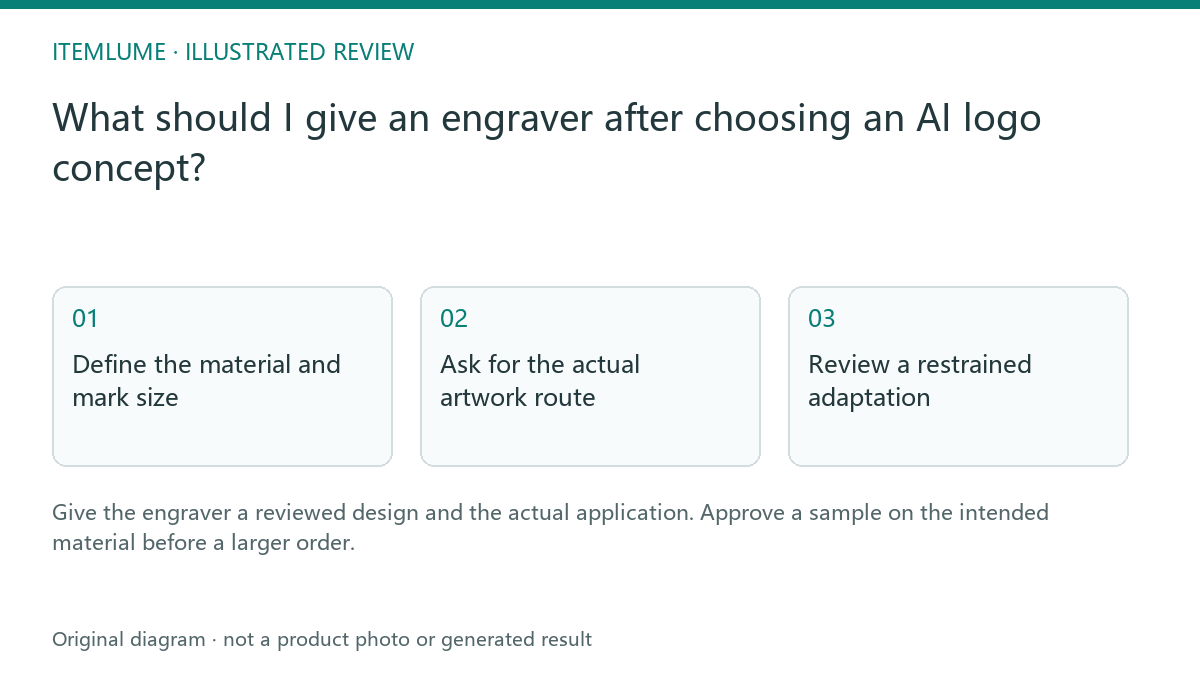
Define the material and mark size
A fictional maker selects a mountain logo for a wooden lid and an anodized metal tag. The same identity can be used, but the physical marks may look different. Record the material, intended finished size, placement and important gaps. Do not approve both applications from one generated wood mockup.
Trotec discusses engraving resolution in relation to image and material choices. It is manufacturer guidance, not a guarantee for another supplier’s equipment or your specific substrate.
Ask for the actual artwork route
| Input | Question for supplier | Review |
|---|---|---|
| Selected logo | Raster or vector workflow? | Correct source type |
| Material | Suitable known substrate? | Supplier confirms process |
| Finished size | Which details survive? | Application-specific proof |
| Sample | Same material and placement? | Physical approval |
Keep concept imagery, prepared artwork and supplier process settings separate. A file extension alone does not establish that the shape is appropriate for engraving. Do not select machine power or process settings from an AI-generated prompt.
Trotec’s discussion ties resolution choices to the material, graphic content and processing time. Its examples do not establish a suitable setting for your supplier’s machine. A large pixel file or a high DPI label cannot prove that a small gap survives on wood or anodized metal. Keep the artwork’s delivered dimensions separate from the supplier’s process resolution.
Review a restrained adaptation
If the engraver proposes removing a small gap or simplifying the wordmark, request a before-and-after comparison at the intended size. Approve the adaptation as an application-specific logo version. Do not silently replace the storefront master with a simplified manufacturing version.
For the metal tag, check whether the selected contrast and lettering remain legible. For the wooden lid, inspect the real texture and appearance rather than the simulated burn pattern.
| Application record | Wooden-lid example | Metal-tag example |
|---|---|---|
| Material and surface | Actual wood/species/finish supplied to engraver | Actual metal/coating supplied to engraver |
| Mark and placement | Approved lid artwork at intended finished size | Approved tag artwork at intended finished size |
| Adaptation status | Any gap or wordmark change separately approved | Any change separately approved; do not inherit wood approval |
| Physical sample decision | Check lettering, gaps, position and unwanted effects | Check lettering, gaps, position and unwanted effects |
The table is a blank handoff method, not results of material tests. Ask the qualified supplier to select compatible material and process settings. If essential lettering closes up, compare a restrained application-specific adaptation at the actual size and request another appropriate sample. Do not repair the storefront master merely to hide an engraving failure.
Approve the physical result
Compare the sample with the approved artwork and the actual item. Check recognizable shape, lettering, placement and any unintended surface effect. Keep the material and supplier record with the decision. CartVisual does not operate a laser or verify production feasibility. A generated engraving mockup is a concept, while a reviewed material sample is the appropriate basis for the order.
Link the sample to its material batch/application and artwork revision. A different finish or size needs the supplier’s review of whether another sample is required. Keep the adaptation approval with the master identity, and do not confuse a print separation setting with a laser process file.
Sources and further reading
Recorded source-review dates are listed individually below. An undated source does not inherit the article’s publication date. Software and platform rules can change; check the current original before acting.
- CartVisual: editorial scope and evidence · Review date not separately recorded
- Trotec: engraving image resolution and material decisions · Reviewed
Frequently asked questions
Can one sample approve every material?
Confirm each intended material/application with the supplier.
Should I use AI-suggested machine settings?
Use the qualified supplier’s process and material guidance.
Does CartVisual provide an engraving process file?
No. Prepare the supplier deliverable externally.
PREPARE ASSETS FOR YOUR NEXT STEP
Create supporting product assets in CartVisual.
Create new product creative assets in the workspace, then continue in your chosen tools. Third-party software procedures described in this guide take place in those applications; this workspace link does not imply an integration. Check current capabilities, account access and credit quotes.
Explore asset creation tools Check pricing and credits